
Seize Apps · iOS
Tempo
Your work day is measured in what you got done, not in hours watched. Tempo notices when you arrive at work and when you leave, adds it up into one honest day, and lets you review, split or correct any of it. Manual mode from day one; automatic tracking only if you choose to draw a work zone.
What it does
One job, done well.
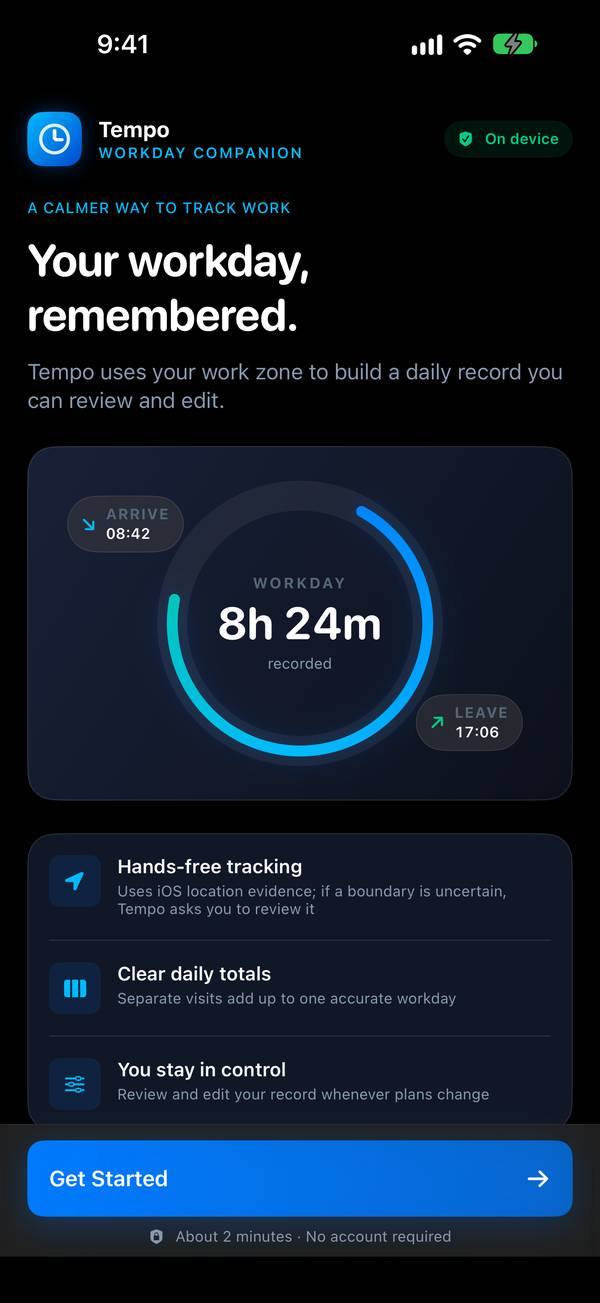
Hands-free hours
Draw a work zone once and Tempo does the rest with the location evidence iOS already keeps. Separate visits add up to one accurate workday.
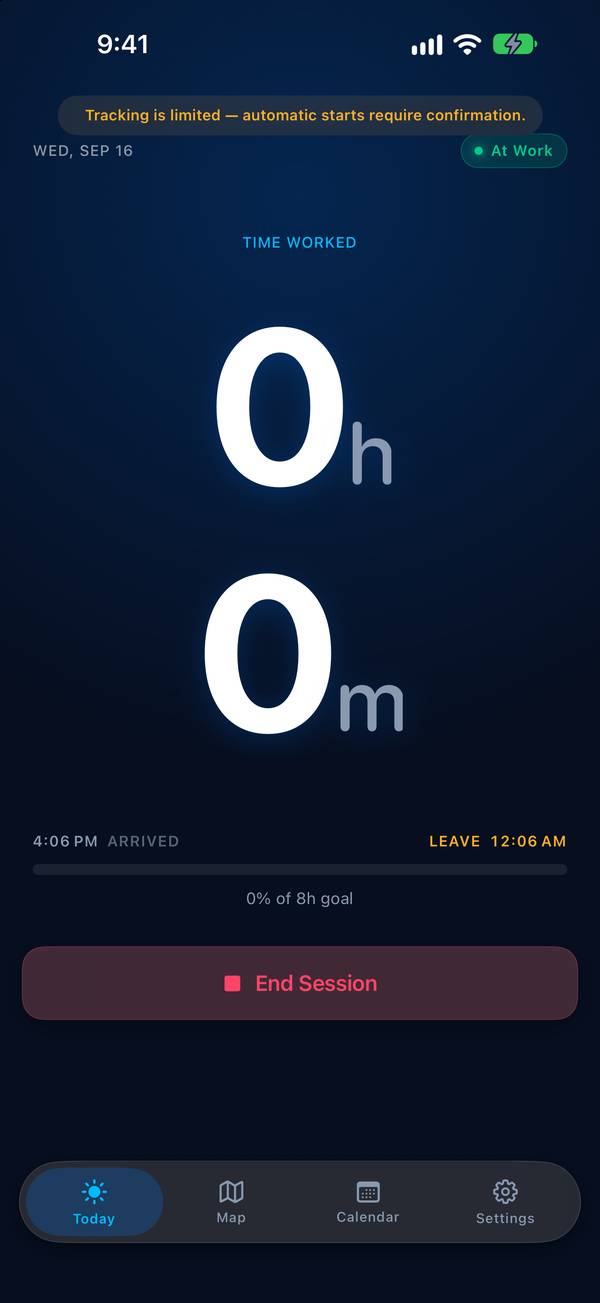
Today, clearly
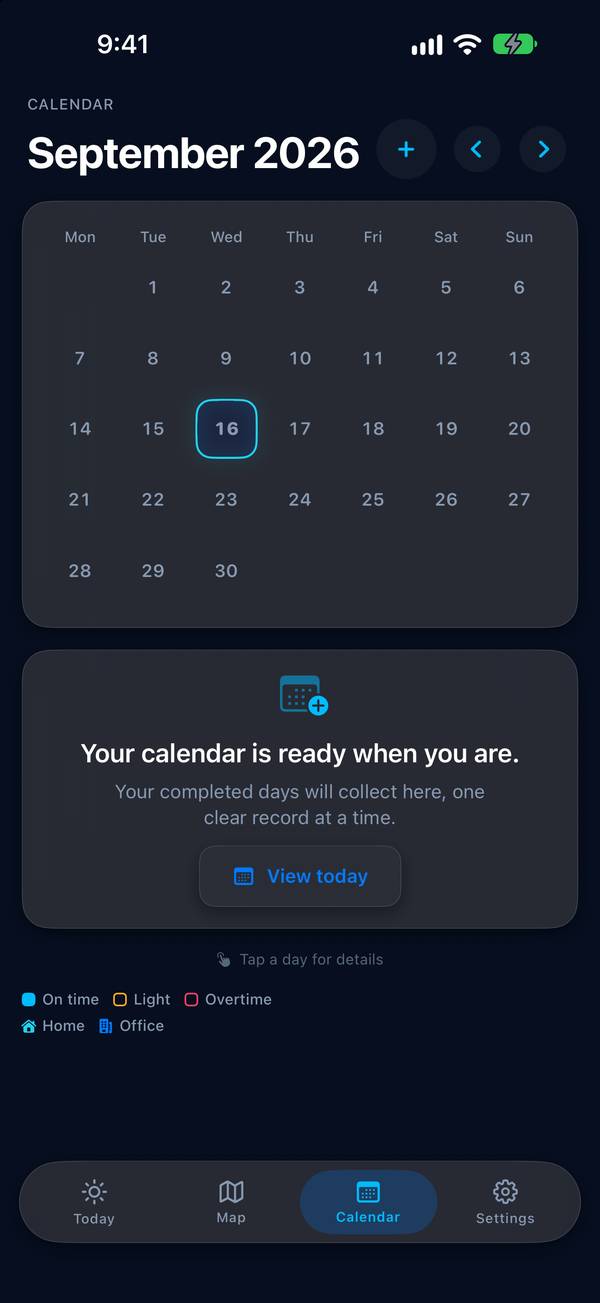
Time worked, your daily target, arrival and leave — one screen, and a month view that shows on-time, light and overtime days at a glance.
Your record, editable
Review, correct, split, merge or export. If a boundary was uncertain, Tempo asks instead of guessing.
Privacy
Yours, not ours.
Tempo keeps your work sessions, zones and targets on your device. Location is used only to detect the work zone you drew, on the phone, and is never sent anywhere. No account, no analytics.
A Seize Apps app.