 Cycle Timers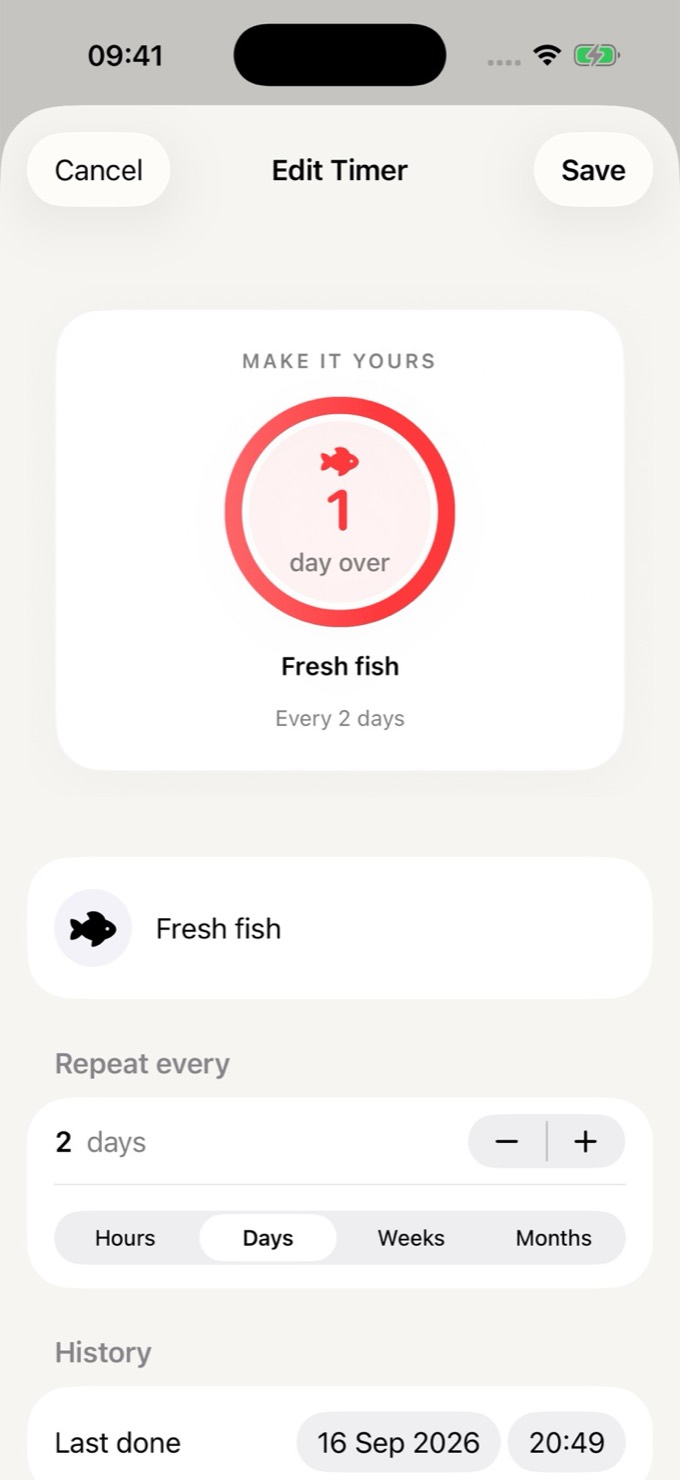
One notification, one button.
When a timer comes due, Mark Done is right on the notification.
 Cat litter now
This one's due — hit Mark Done once it's handled.
Mark Done
Cleaning and household chores
One ring each: when you last did it, and when it is due again.
iPhone and iPad. Free to start.
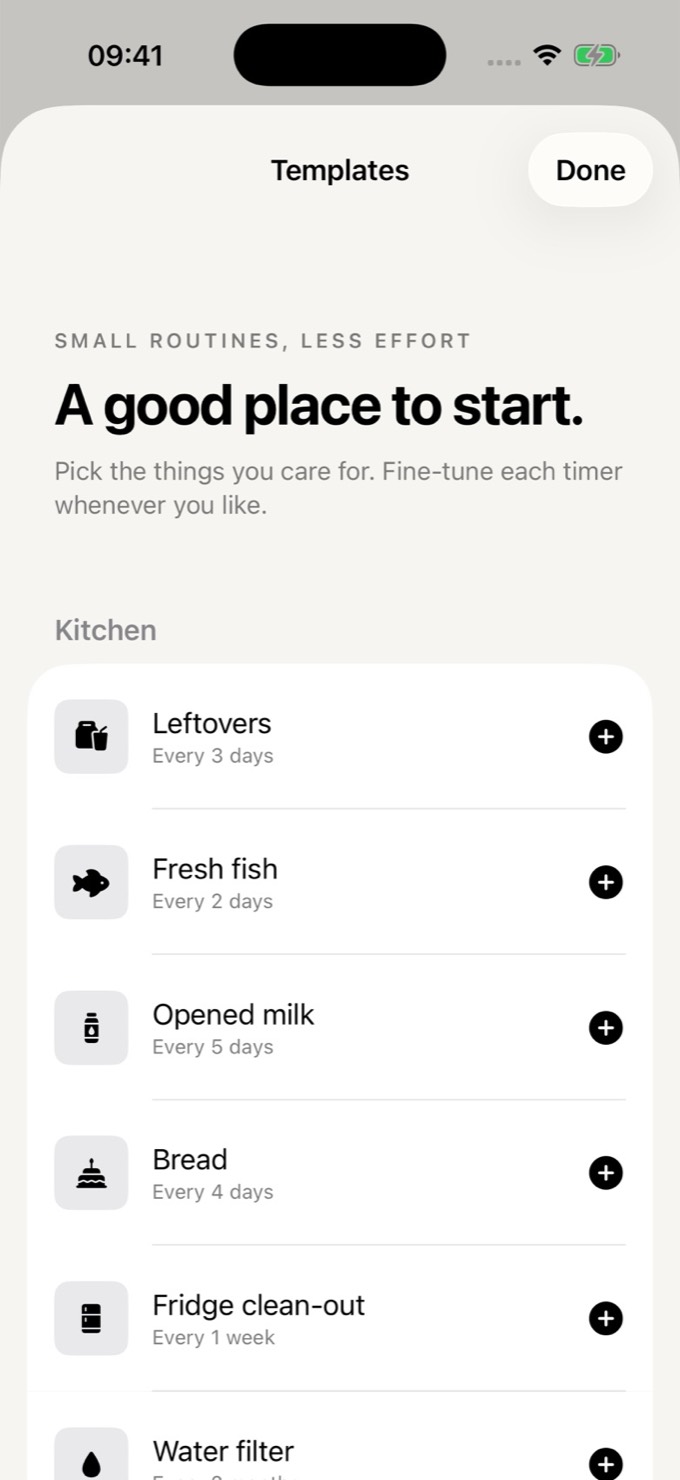
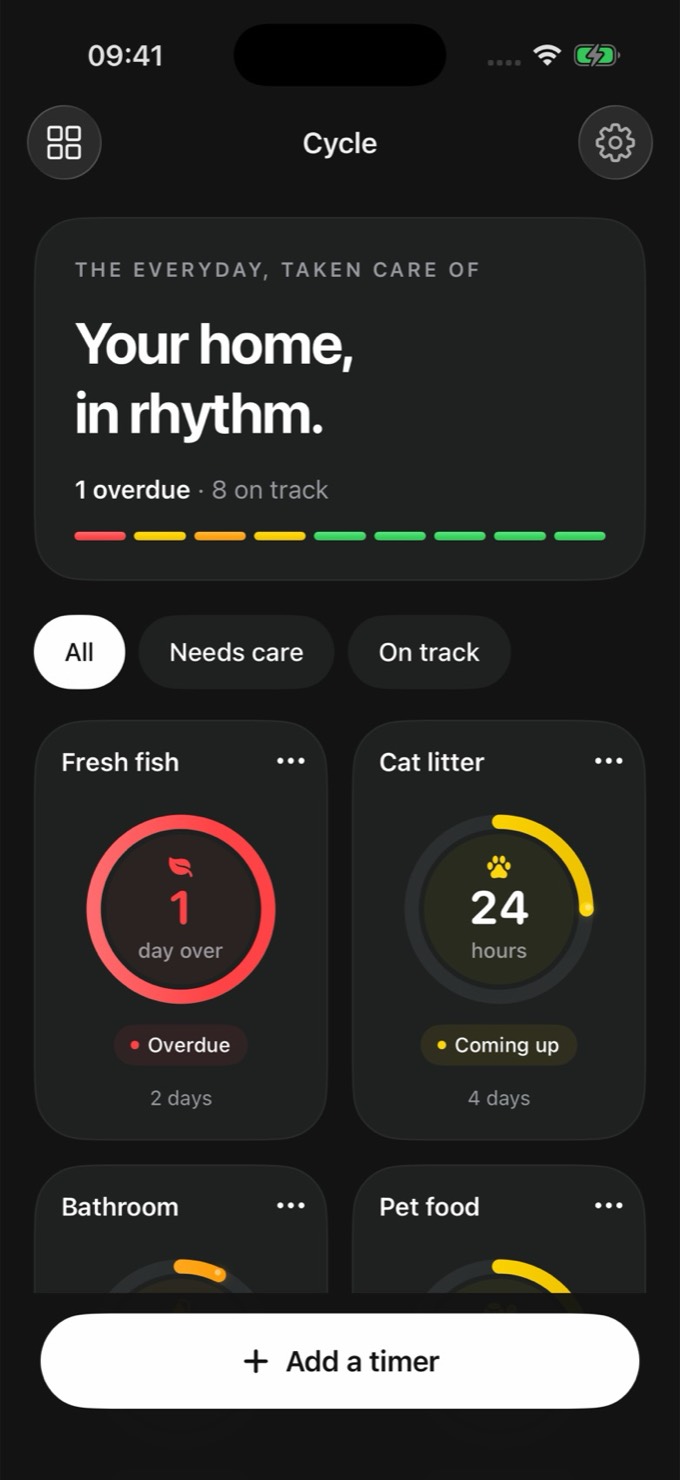
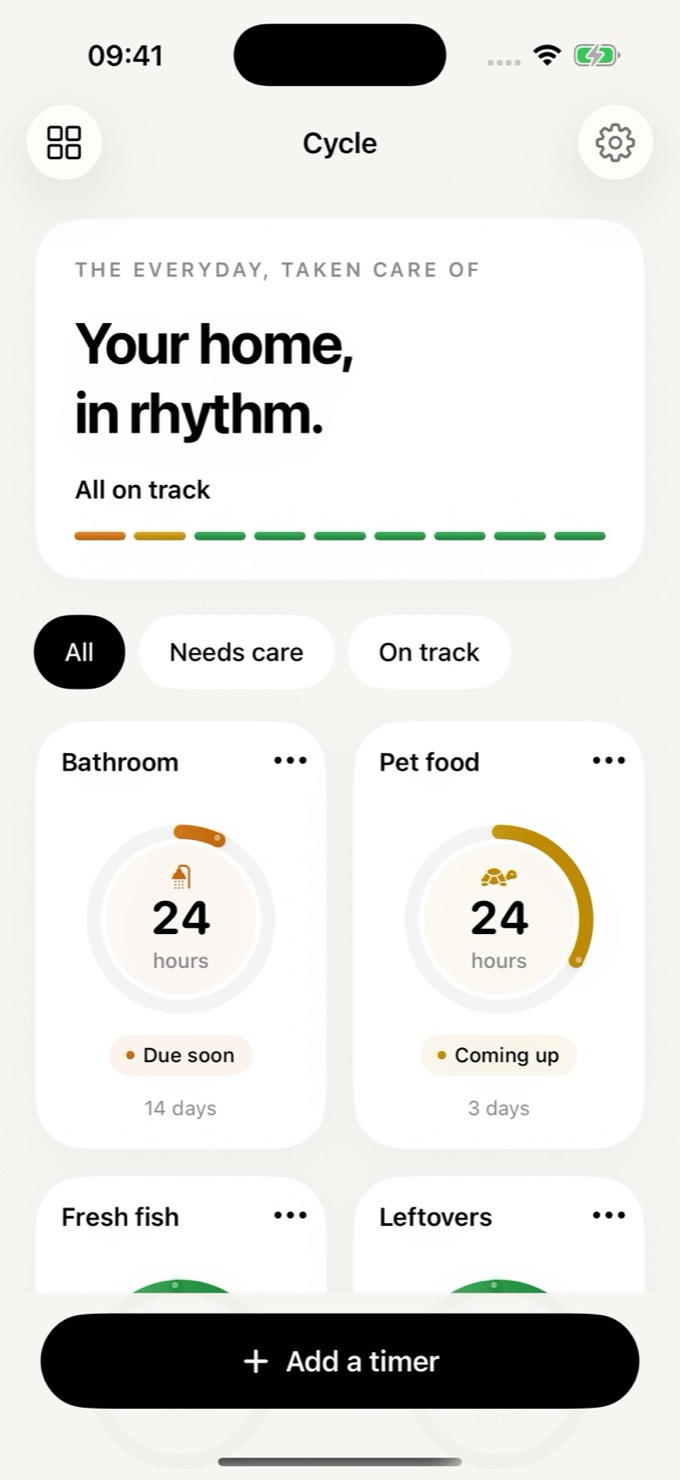
Set a timer for anything that repeats, and forget about forgetting.
At a glance
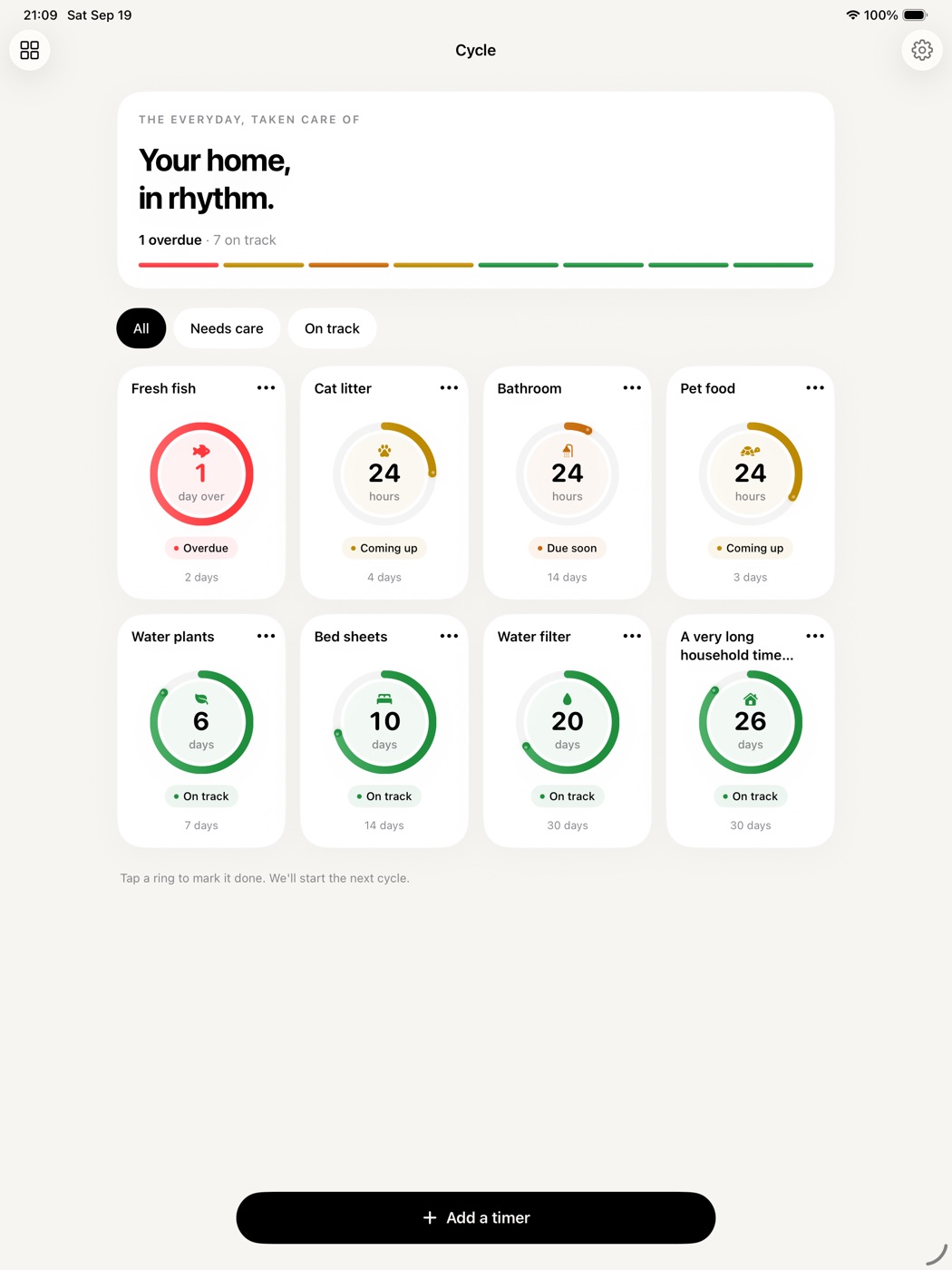
Cycle turns recurring household chores into countdown rings: the sheets every 2 weeks, the cat litter every 4 days, food that expires in 3 days. Each ring slowly drains from green to yellow to orange, and turns red when it is overdue.
Widget-first
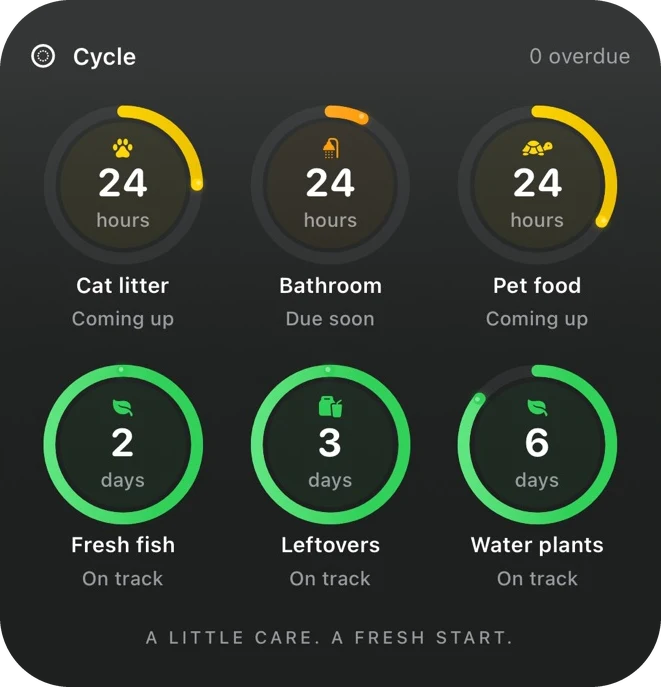
Tap a ring on the Home Screen widget to mark it done and start its next cycle, without opening the app. Choose exactly which timers each widget shows.
Try it
A drawing of the Large widget that works like the real one: tap a ring and it is full again. Pressed by mistake? Undo takes one tap.
Effortless
Start from household templates (Cleaning, Bathroom, Home, Pets and Kitchen): vacuum, change the sheets, clean the bathroom, water the plants. Or make your own in seconds: name, icon, interval, done.
Did it yesterday? Backdate the timer to when you actually did it.
Twenty starting points. Each one is yours to change.
Reassuring, not nagging
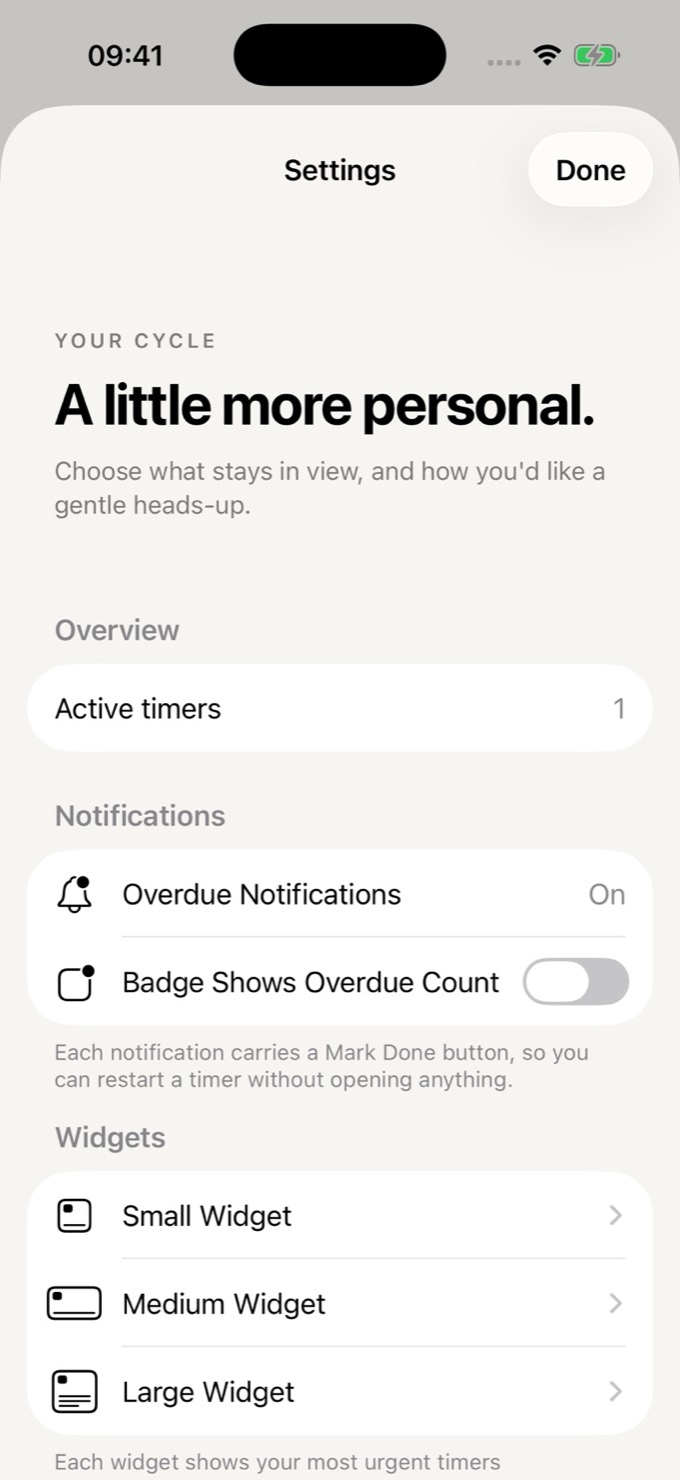
Green for most of a cycle, warm colours only when it matters. No streaks, no guilt. One notification when something comes due, with a Mark Done button right on it.
When a timer comes due, Mark Done is right on the notification.
Cat litter nowThis one's due — hit Mark Done once it's handled.
Siri and Shortcuts can mark a timer done without opening anything.
Pick exactly which timers each widget shows, and in which order.
iPhone and iPad
Cycle works on iPhone and iPad. On iPad the dashboard fills the wider screen with more columns, and the Extra Large widget (Cycle Pro) fits eight rings on the Home Screen.
Free to start
Cycle Pro is an optional one-time in-app purchase. No subscription, no recurring charges.
No account needed.
A one-time purchase. The price is shown in the App Store.
Cycle Pro
Cycle Wrapped is a year-end recap of everything you kept on top of, with a card to share. It opens in early December, and any time from Settings.
No account, no tracking. Your timers stay on your device and are never sent to us. Read the privacy policy.
A little care. A fresh start.
iPhone and iPad. Free to start.