 Readably
 for iPhone
Text to speech that stays on your iPhone.
Natural voices that run on your iPhone. Private, offline after one download, no account. Paste text or open a PDF and just listen.
iPhone, iOS 17 or later
Account
NoneOpen it and listen.
Ads
NoneNo advertising, no tracking.
Listening meter
NoneListening is unlimited.
Your text
Stays hereIt never leaves your iPhone.
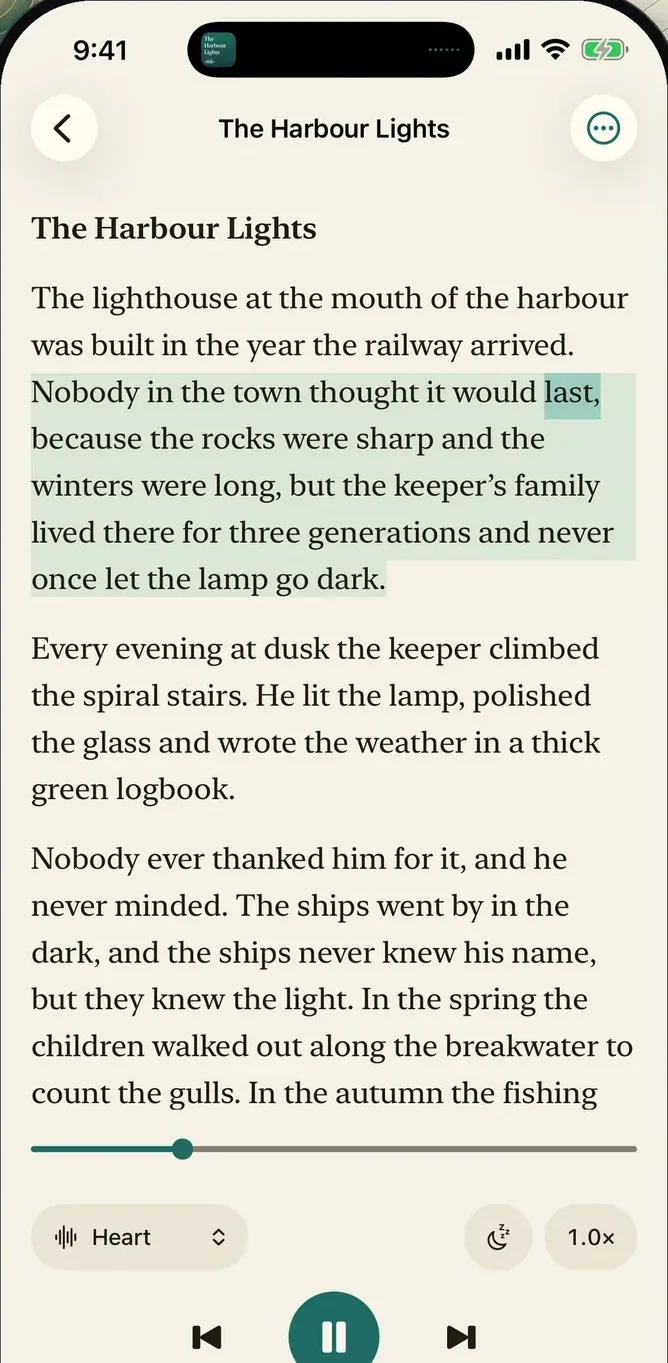
Read along
Hear it. Follow every word.
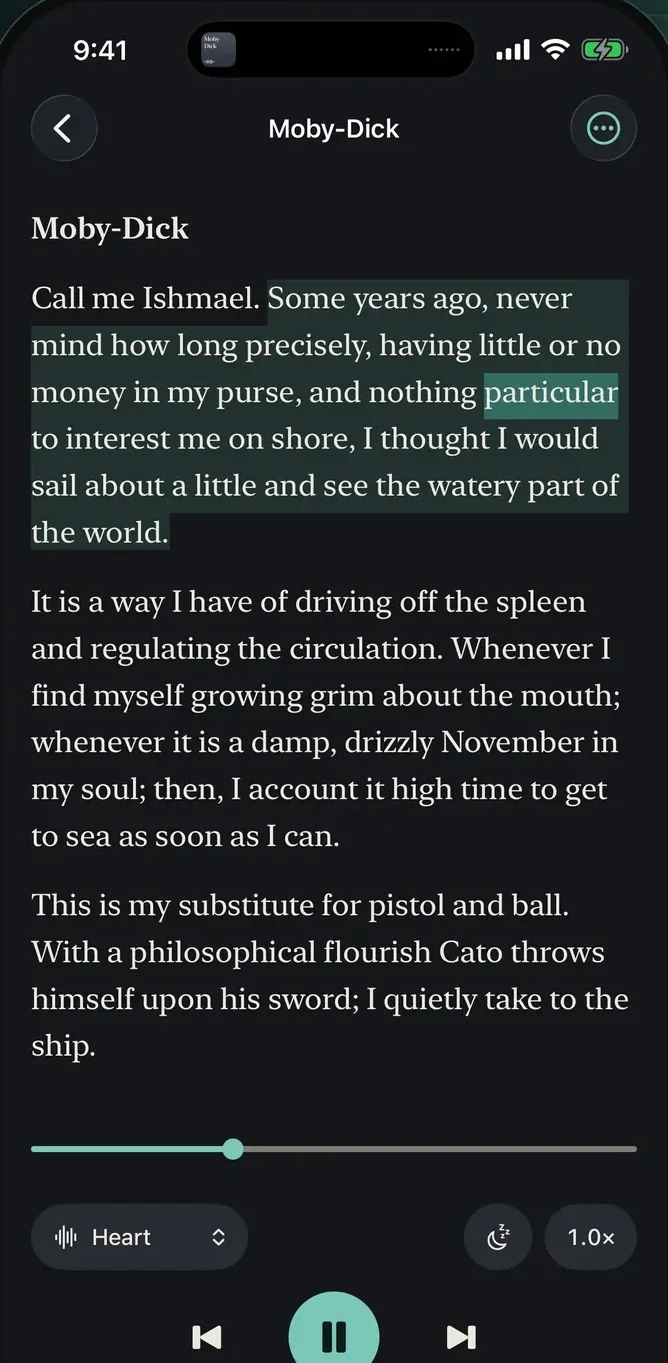
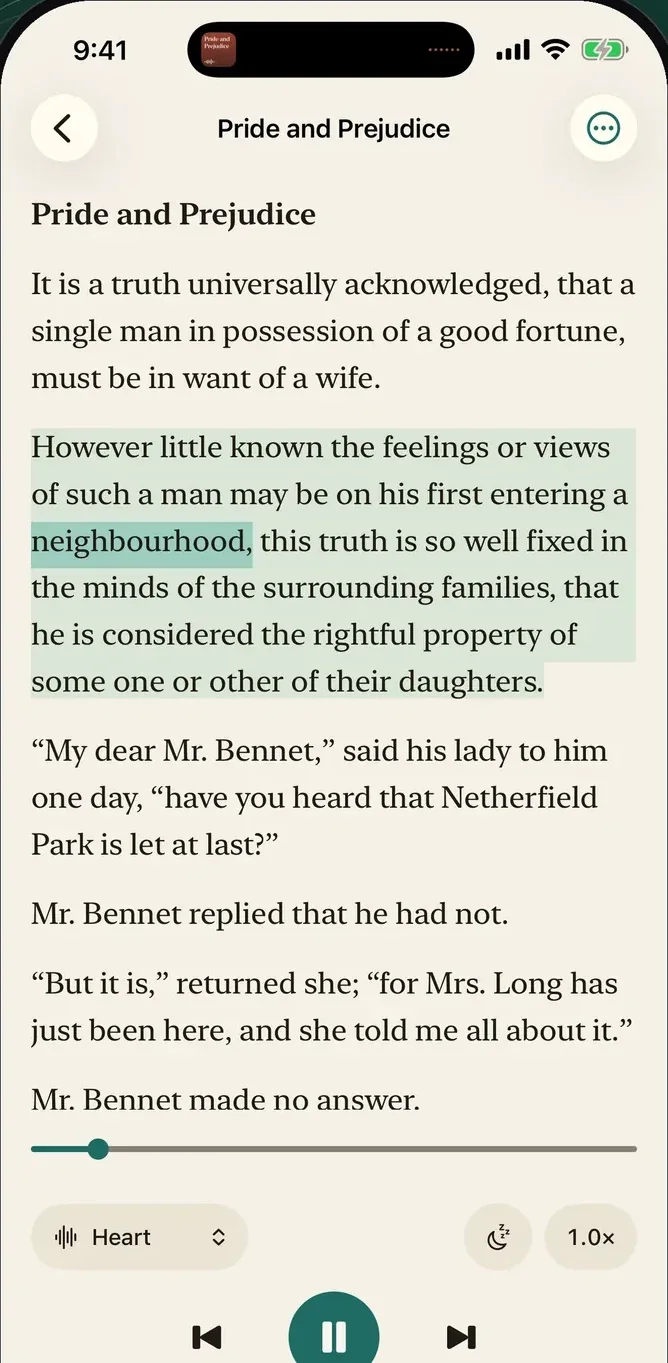
The sentence and the word being spoken stay highlighted, so your eyes and your ears move together. The reading view is calm, set in a serif typeface, and large type is the default.
- Tap to startTap any sentence to begin from there, or jump a sentence back or forward with one tap.
- SpeedFrom 0.5× to 3×, changed while it plays.
- PreviewHear a voice read the same sentence before you choose it. Readably detects the language of your text and picks a voice to match.
On-device voices
Natural voices, in your pocket.
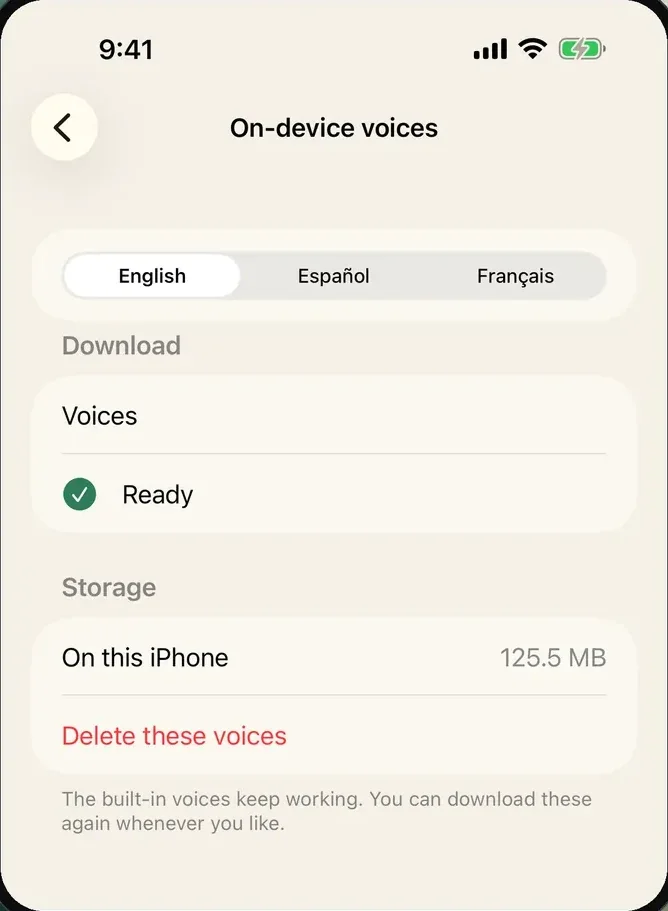
Voices in English, Spanish and French run on the iPhone itself. Download them once from inside the app and they keep working offline. Apple’s built-in voices are there from the first launch, for every language your iPhone has a voice for.
- English
- Español
- Français
- One downloadAbout 127 MB for English; Spanish and French are separate downloads. You start it, and you can delete the voices in Settings at any time.
- OfflineAfter that, no connection is needed to listen.
PDFs and text
PDFs, read the way you would.
Paste text, or open a PDF or a text file. Readably cleans the page as it imports it, so it sounds like a person reading.
- Skipped
12Page numbers - Skipped
Chapter 3 · The HarbourRepeated headers and footers - Joinedlight- house → lighthouseWords split across lines
Illustration with sample text, not a screenshot.
- ScansPages that are only pictures need the text scanning in Readably Pro.
Library and Lock Screen
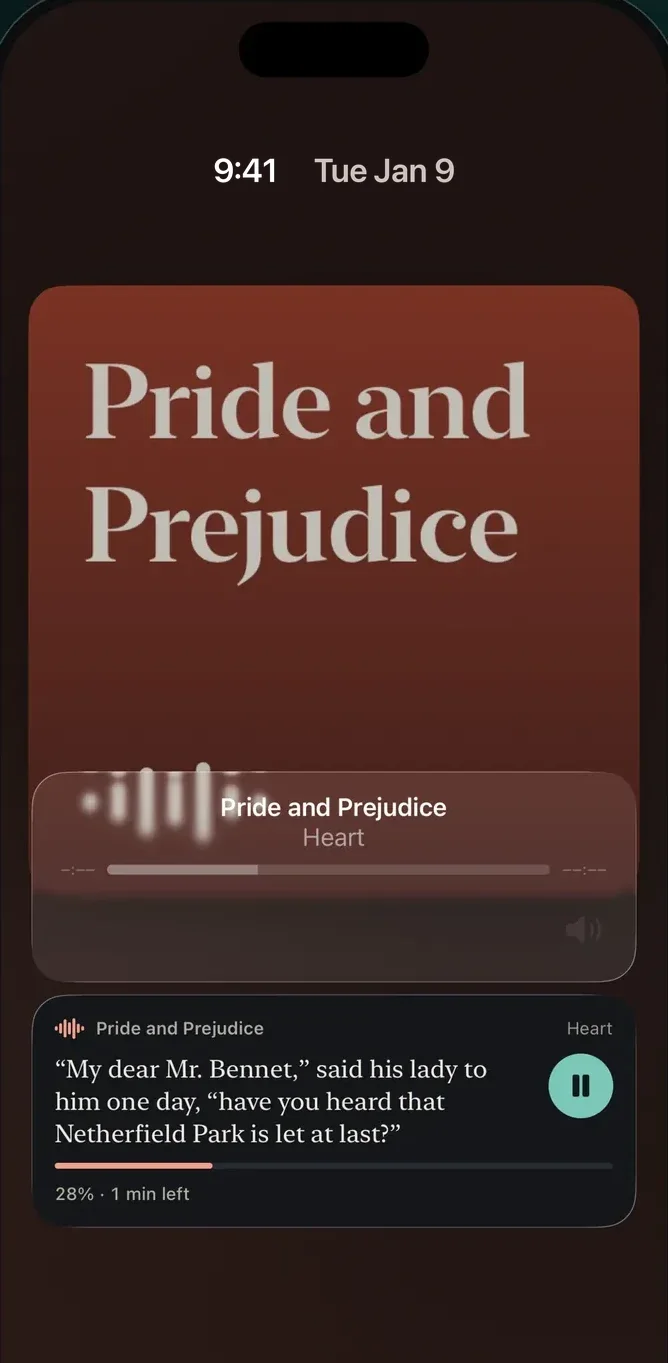
Lock your phone. It keeps reading.
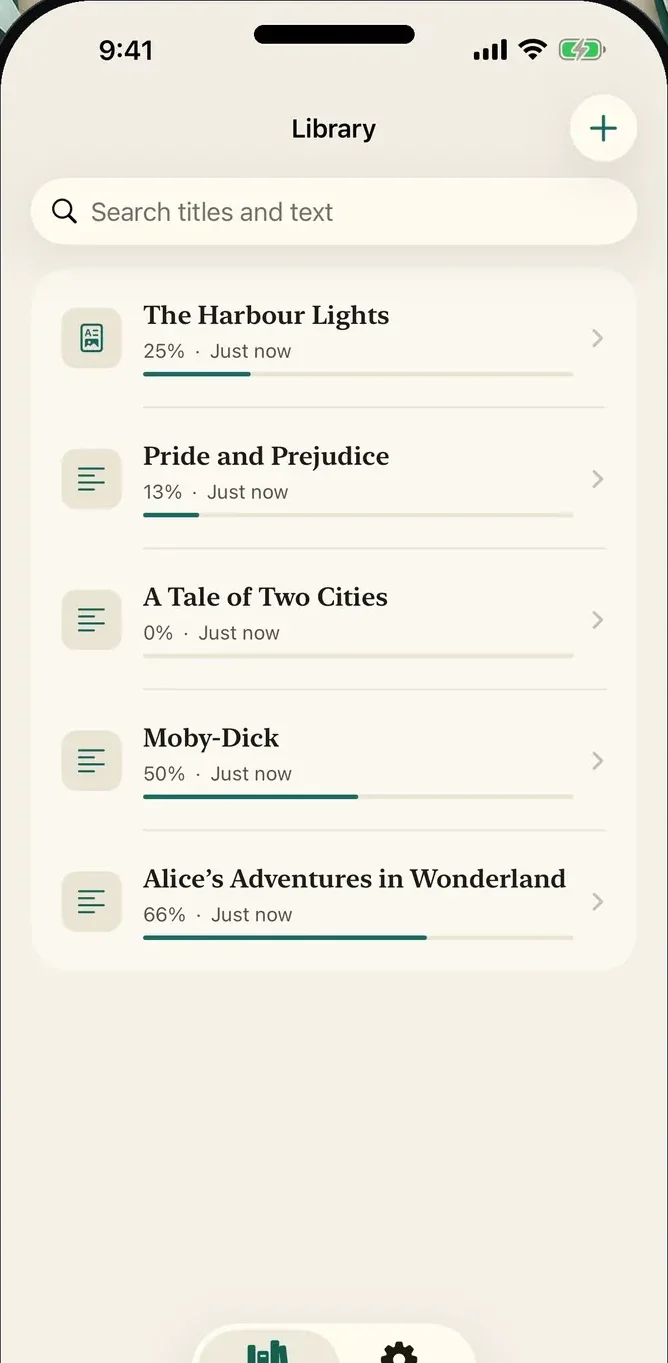
Play, pause and skip from the Lock Screen. Your library keeps each document with how far you got, and opens it at the sentence you left.
- Lock ScreenA Live Activity and Now Playing controls. A setting hides the text there if you would rather.
- LibraryEvery document, with how far you got.
Day and night
Easy on the eyes, day or night.
Light, dark, or whatever your iPhone uses. Large type, a highlighted word and no interruptions are the defaults, and it works with VoiceOver and Dynamic Type.
Appearance
Light, dark or whatever your iPhone uses.
Text size
Four sizes, and Dynamic Type.
Speed
0.5× to 3×Changed while it plays.
VoiceOver
SupportedReadably works with VoiceOver and Dynamic Type.
Appearance and text size are illustrations, not screenshots.
Plainly
No account. No ads. No meter. Your text never leaves your iPhone.
The download
The natural voices are a one-time download you start yourself: about 127 MB for English; Spanish and French are separate downloads.
Apple’s built-in voices need nothing.
The battery
Speaking takes real work from your iPhone, so a long session uses battery and can warm it up.
Plug in if you like, or switch to a built-in voice, which is lighter.
The network
Readably goes online for the voice download you start, for a web page you ask it to read, and for purchases. Nothing you read goes with it.
No advertising, no tracking.
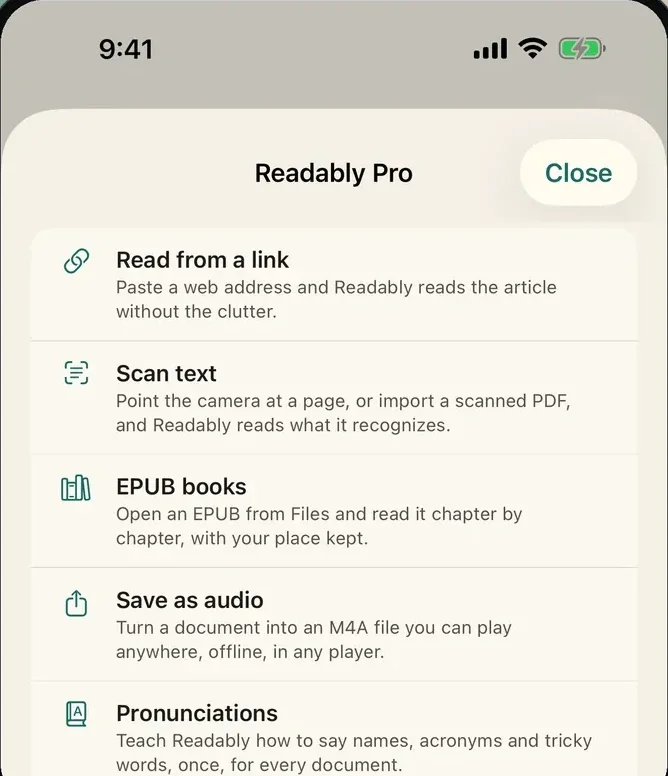
Readably Pro
Tools around the text.
Everything above is yours without paying. Readably Pro is one purchase, not a subscription, for the tools around the text.
- Read from a linkPaste a web address and Readably reads the article without the clutter.
- Scan textUse the camera, or import a scanned PDF.
- EPUB booksOpen an EPUB from Files and read it chapter by chapter, with your place kept.
- Save as audioTurn a document into an M4A file you can play anywhere, offline.
- PronunciationsTeach Readably how to say names and tricky words, once, for every document.
About the purchase. Readably Pro is a one-time purchase, not a subscription: you pay once and keep it, and Family Sharing is on. The Readably Pro screen starts a free 30-day month, one per Apple Account. When it ends, the five tools close again and nothing is charged unless you buy; the documents you added stay in your library and keep reading. The price is shown in the app before you buy, and Restore Purchases is always in the Readably Pro screen.

Read it out loud, privately.
Paste text or open a PDF, and just listen.
iPhone, iOS 17 or later