- ≈2min
Tempo waits this long on arrival, so GPS jitter cannot open a session.
- ≈3min
And this long on leaving, so a short step outside cannot close one.
- 15min
Back within that window and it is the same session, not a new one.
- 0accounts
No sign-in, no advertising. Your records stay on your iPhone.
Your workday, understood. Your time, under your control.
Automatic
Arrive, and the day starts.
Set up a workplace and Tempo records your real arrival and departure. Home counts as a workplace too. It waits a moment before it acts, and it never asks you to confirm anything.
Arriving
Tempo waits a couple of minutes inside your workplace, then starts the session at the time you arrived.
Leaving
Once you have been away about three minutes, it ends the session at the time you left.
Back quickly
Back within 15 minutes, it is one session. Later the same day, a return to work starts a new one; coming home does not.
Schematic, not to scale.
Automatic tracking depends on iOS permissions (Always location), device settings and signal, and delivery in the background is not guaranteed. Notifications only tell you what happened. Prefer to stay fully manual? Start and stop whenever you like.
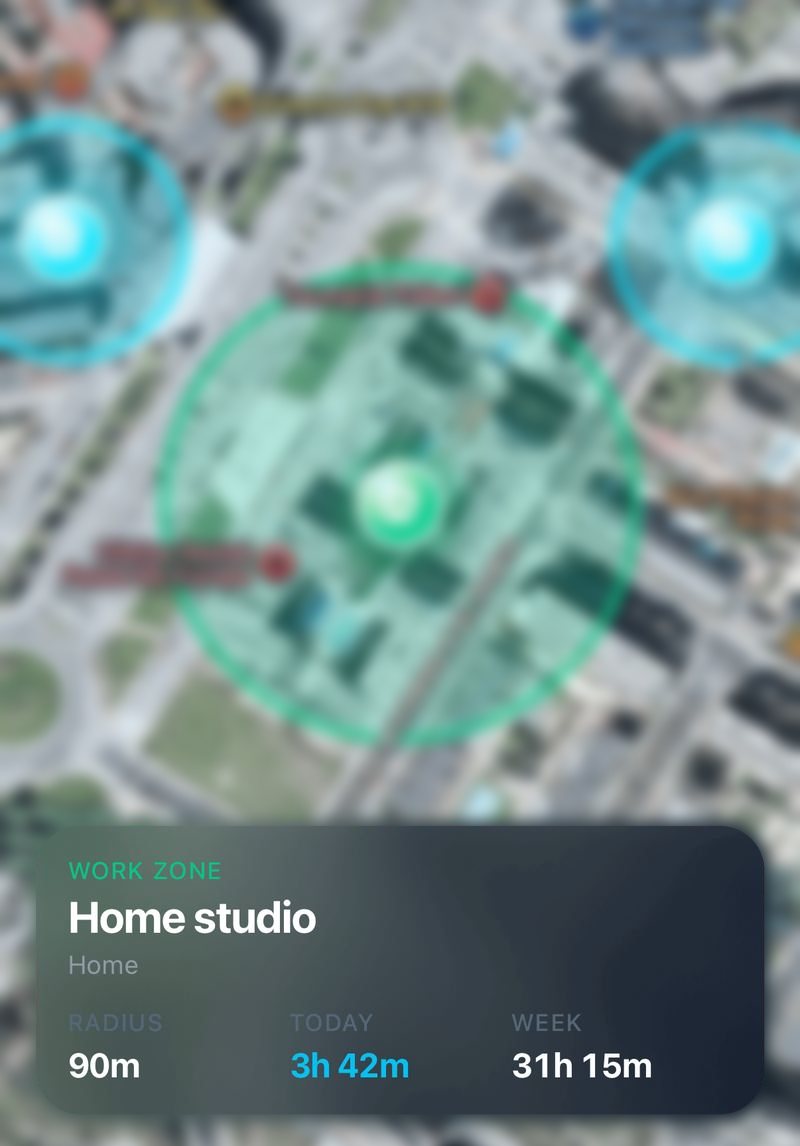

An example place in Tempo, with its radius and the time recorded there.
Today
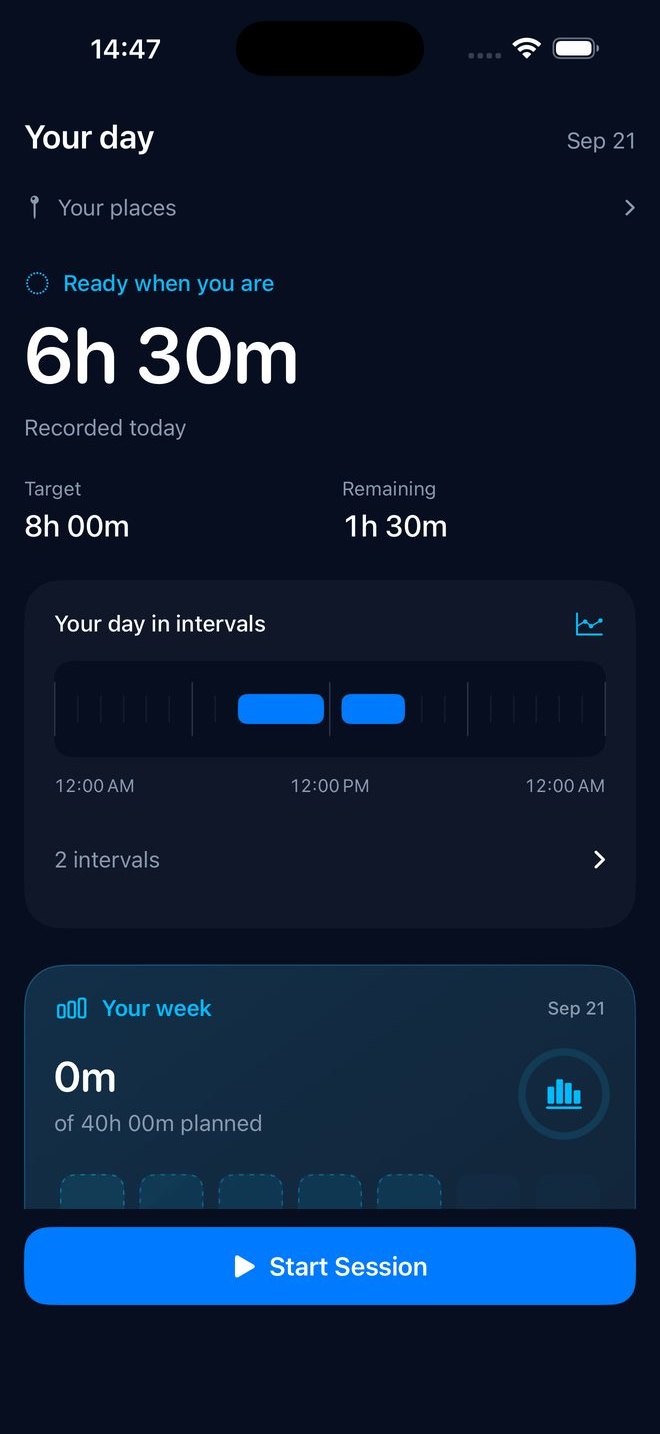
Your day, in intervals.
Recorded time, your target and what is left, always in one place. No scores, no streaks: just the hours as they happened.
Illustration of the Today view, with example numbers.
- Big Number is where you start: recorded time, front and center.
- Dayline and Cards are two more ways to read your day Pro
Control
You stay in control.
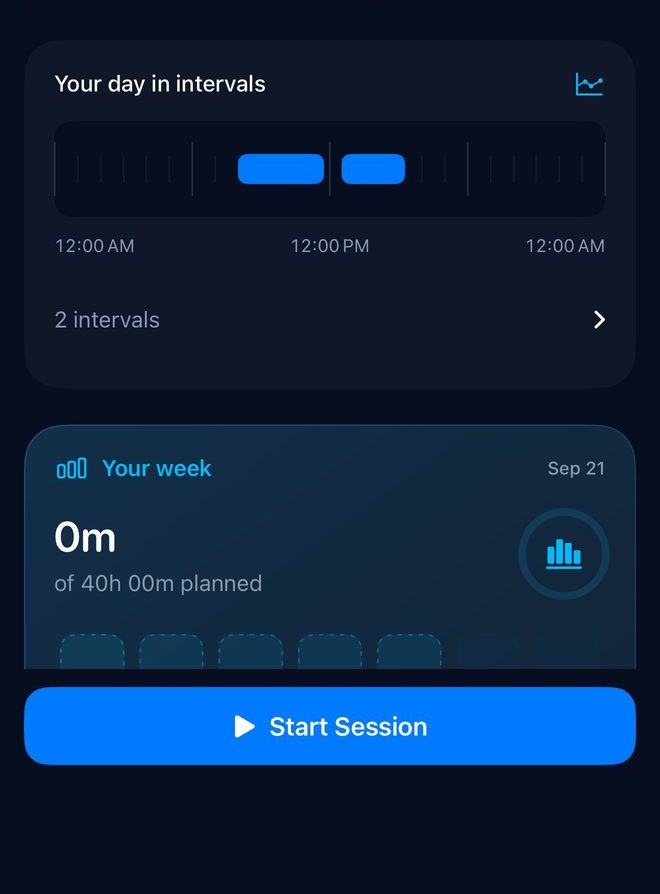
Start and stop by hand whenever you want. Correct any finished record in History: add, edit, split or merge, with overlaps kept out. Export every record, or erase them all, without Pro.
- Widgets
- Live Activities
- Siri
- Control Center
Monday to Friday is where you start; your working days are always editable.
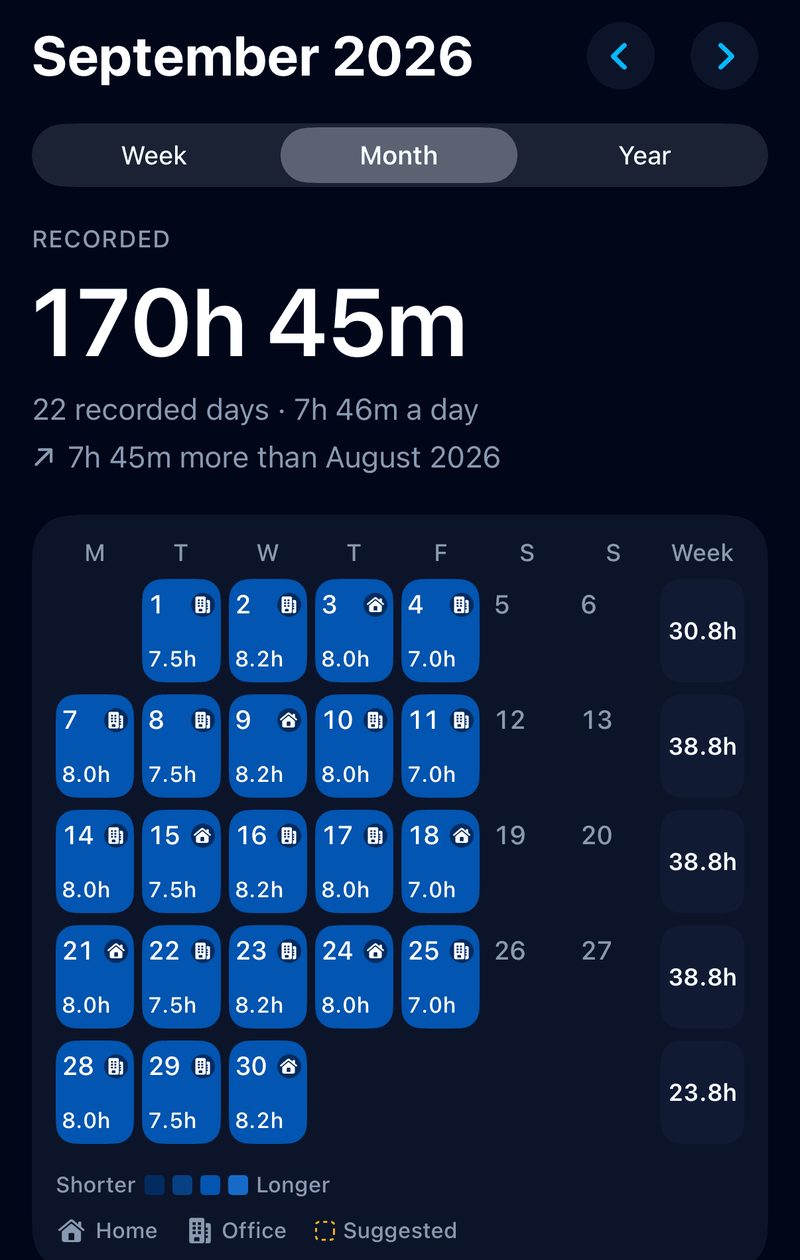
Routine Pro
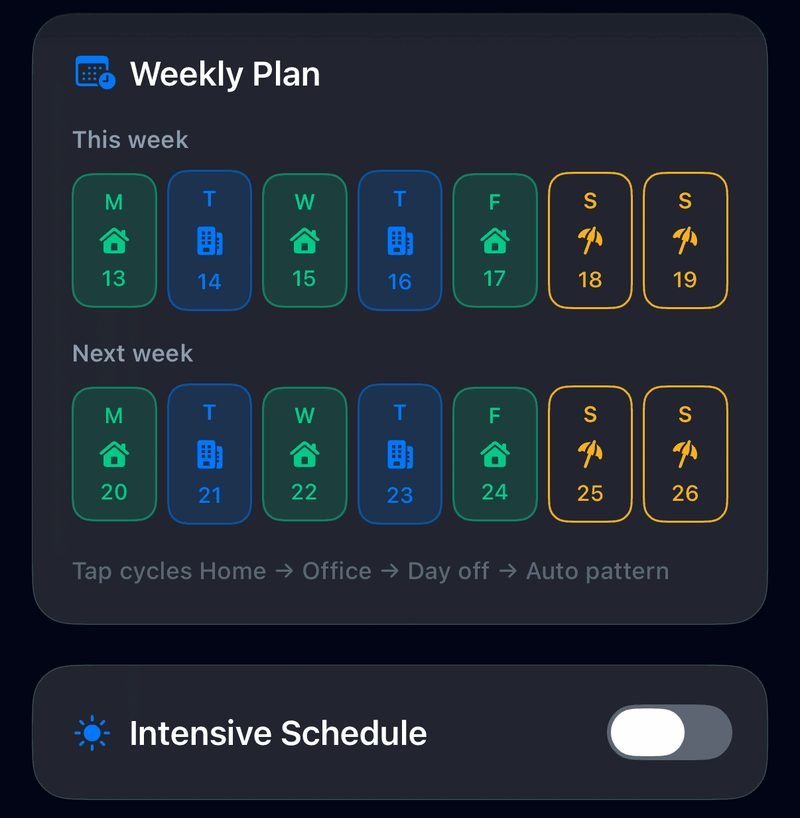
Fits the week you actually work.
Home days, office days, days off. Set a pattern for this week and next, and shape the rest around it.
- Multiple workplaces and a target for each day
- Intensive schedules and a custom home start time
- Optional finish-at-target behavior
- Personalized reminders and overtime notifications
Insights and recaps Pro
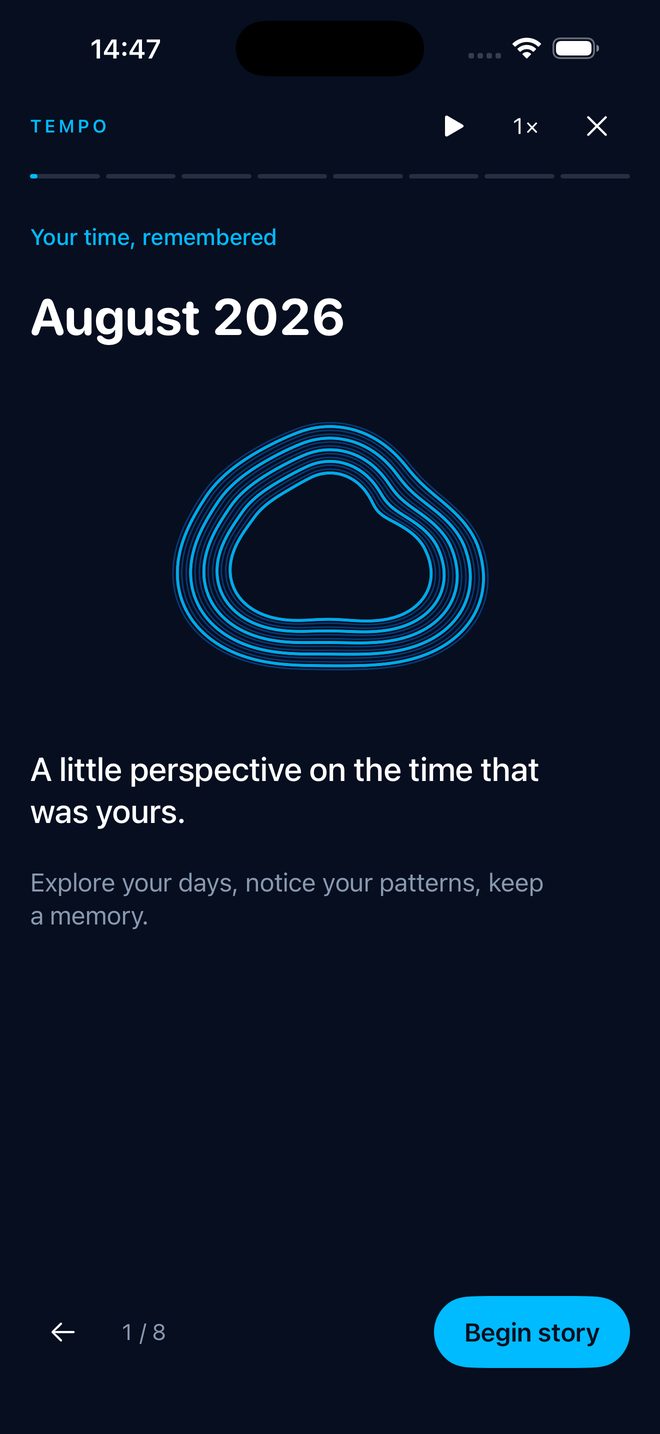
Time, remembered.
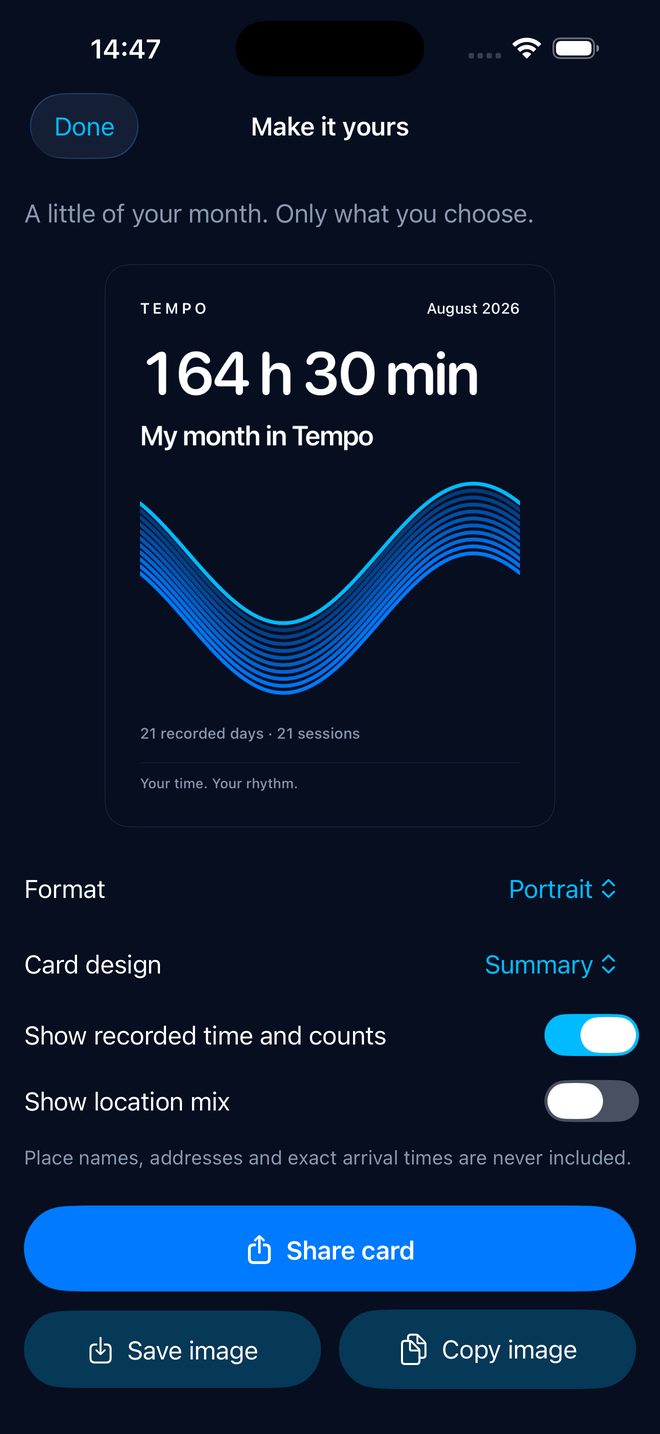
Revisit eligible months and years as animated stories, with pause, replay and speed controls. Then make a card of it: choose a layout, preview exactly what you reveal, and share, copy or save an image.
Workplace names and precise coordinates are never included. Recaps use your recorded history; Tempo does not invent missing work or measure productivity from hours alone.
Focus
Focus, kept apart.
A timer for short, protected sprints: 25 minutes by default, and you can change the length. It keeps counting when your phone locks, and a notification tells you when a phase ends. Focus never touches your work records.
Focus cycles, stats and sounds are part of Tempo Pro. The timer itself is not.
Free to start
Everything you need to keep your own time.
Tempo
- Manual start and stop
- Automatic tracking of one place
- Corrections to any finished record in History
- The last 30 days in Calendar and analytics
- Export everything, or erase everything
- The Focus timer
- Core widgets, Live Activity and Siri
Tempo Pro
- Dayline and Cards for Today
- Insights and animated recaps, with shareable cards
- Flexible routines and multiple workplaces
- Focus cycles, stats and sounds
- Personalized reminders and overtime alerts
Pro is available through in-app purchase, as a subscription or a one-time purchase. Prices, billing periods and any eligible offers are displayed before purchase. Subscriptions renew automatically unless cancelled through your Apple account. Restore Purchases is available in the app.
Automatic tracking depends on iOS. Background tracking relies on permissions (“Always” location is needed for automatic starts), device settings, signal and whether the app was force-quit, so delivery is not guaranteed. Tempo is a personal time-tracking tool, not an employer’s timekeeping system: review your records before using them for payroll or compliance.
Local-first by design
No account.No ads.Your records stay on your iPhone.
Tempo has no account, no advertising and no developer-operated location backend. Apple services support maps, location and purchases; sharing sends the image only to the destination you choose.
Make your workday easier to understand.

Tempo Work for iPhone, iOS 17 or later. Pro is optional.