
 Yaybo
A learning app for ages 4 to 9
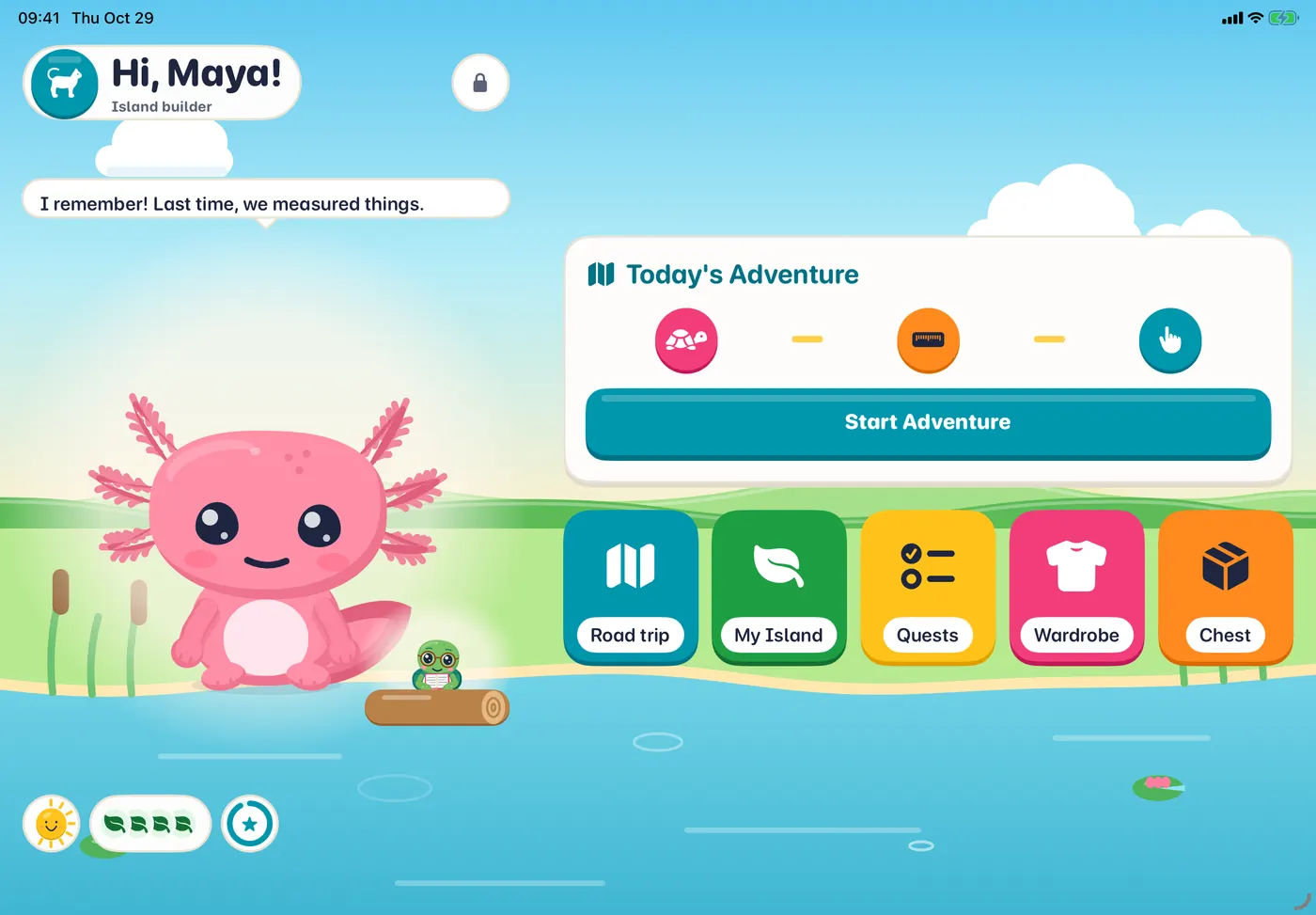
One short Adventure a day. Then it ends.
Reading and math first, with phonics, spelling, money, time and handwriting alongside: a daily plan for your family, Pre-K to 3rd grade, built on the grade-level expectations most U.S. states share. Yaybo the axolotl cheers every right answer.
For familiesKids ages 4 to 9, with a grown-up
See how a day worksFor iPhone and iPad · iOS 26 or later · United States and Canada
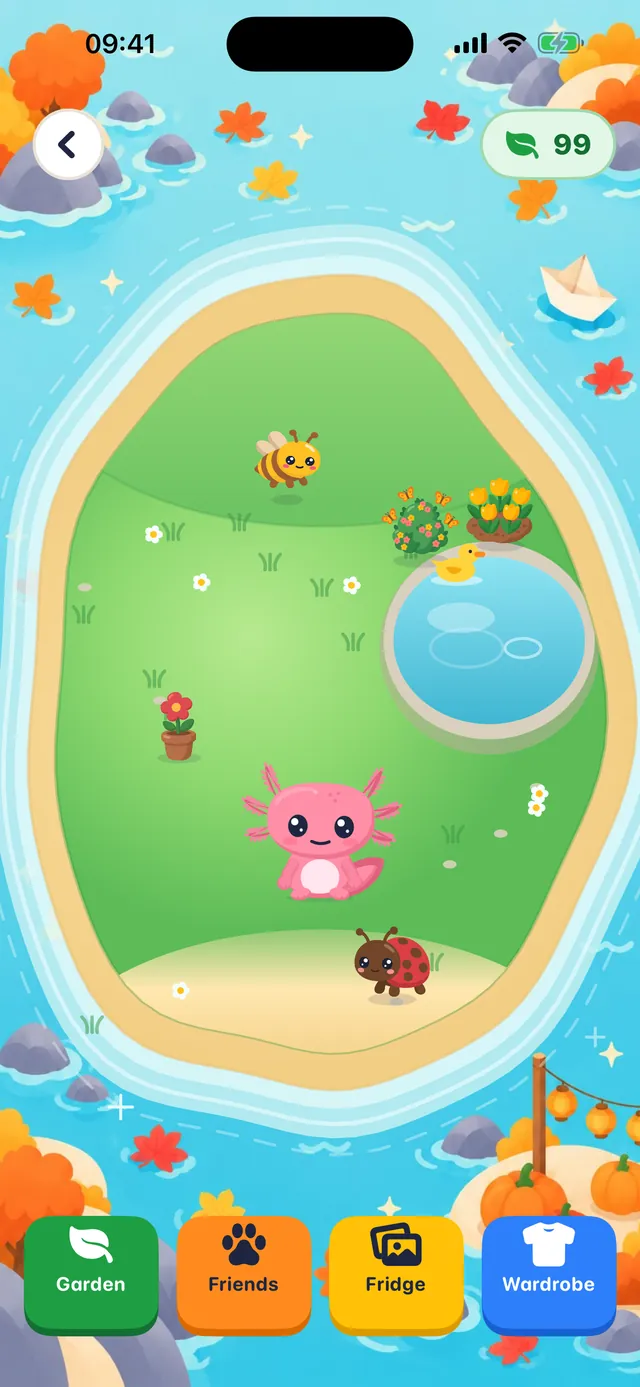
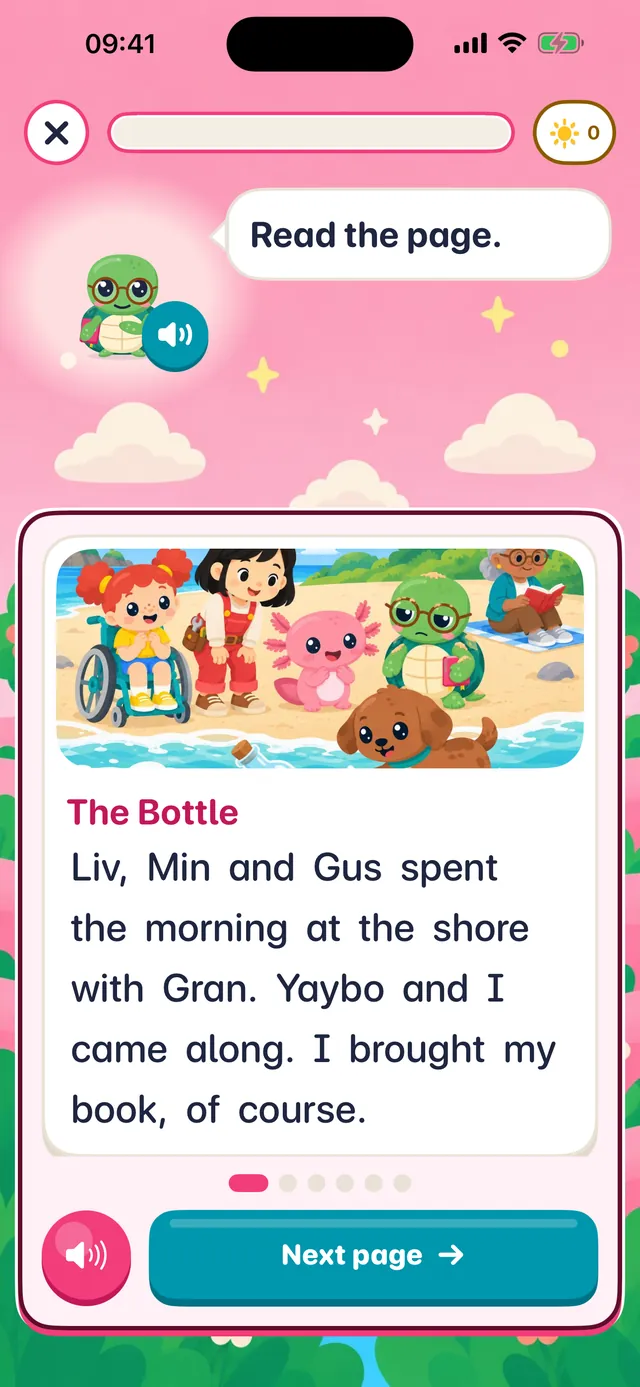
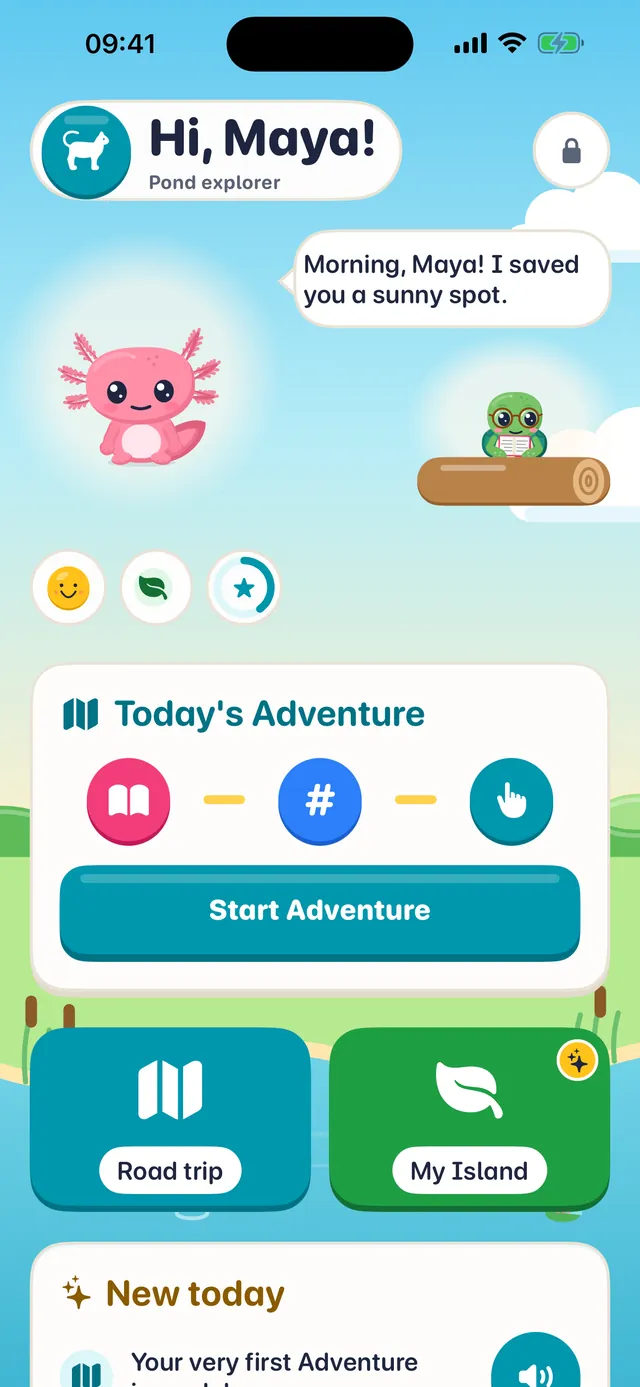

How a day works
One Adventure a day, with a clear end
Your child gets one short Adventure a day: short lessons that pick up where they left off. It takes about ten minutes by default, a grown-up can set 5 to 20 in the Parent Zone, and then there is a clear end.
- You set it up in about six minutes.
- Instructions are spoken aloud, so early learners do not need to read.
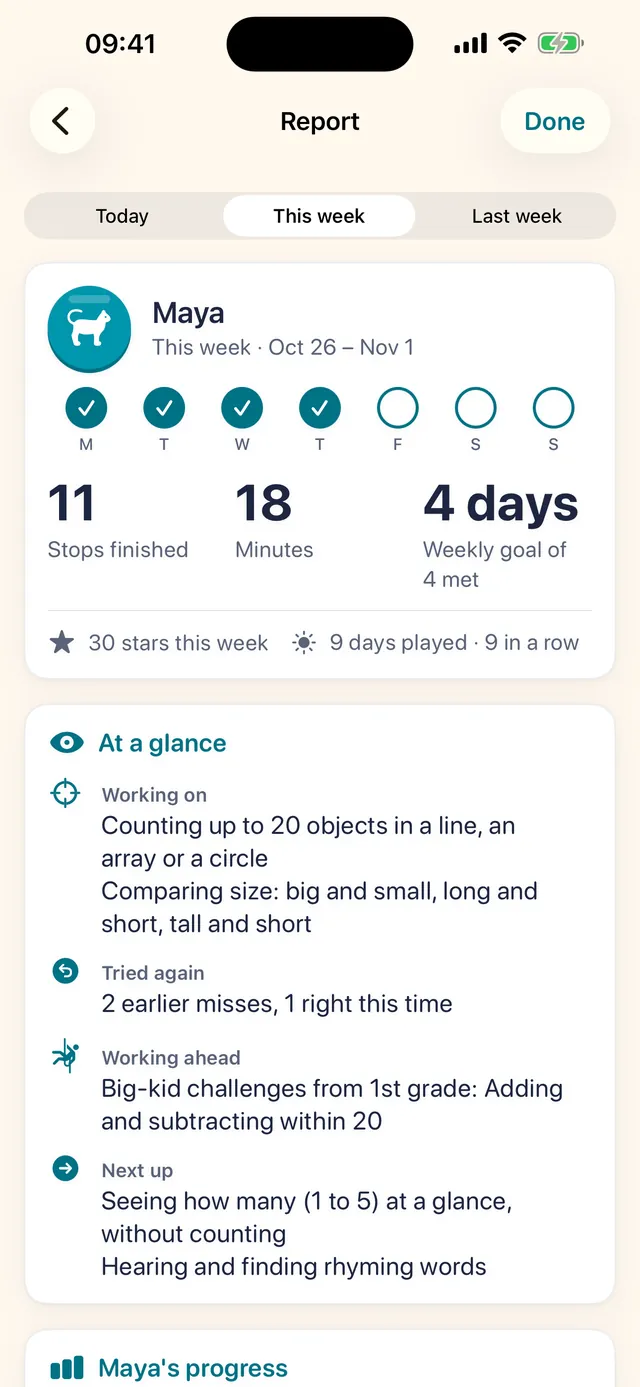
- You get a plain-English report each week.
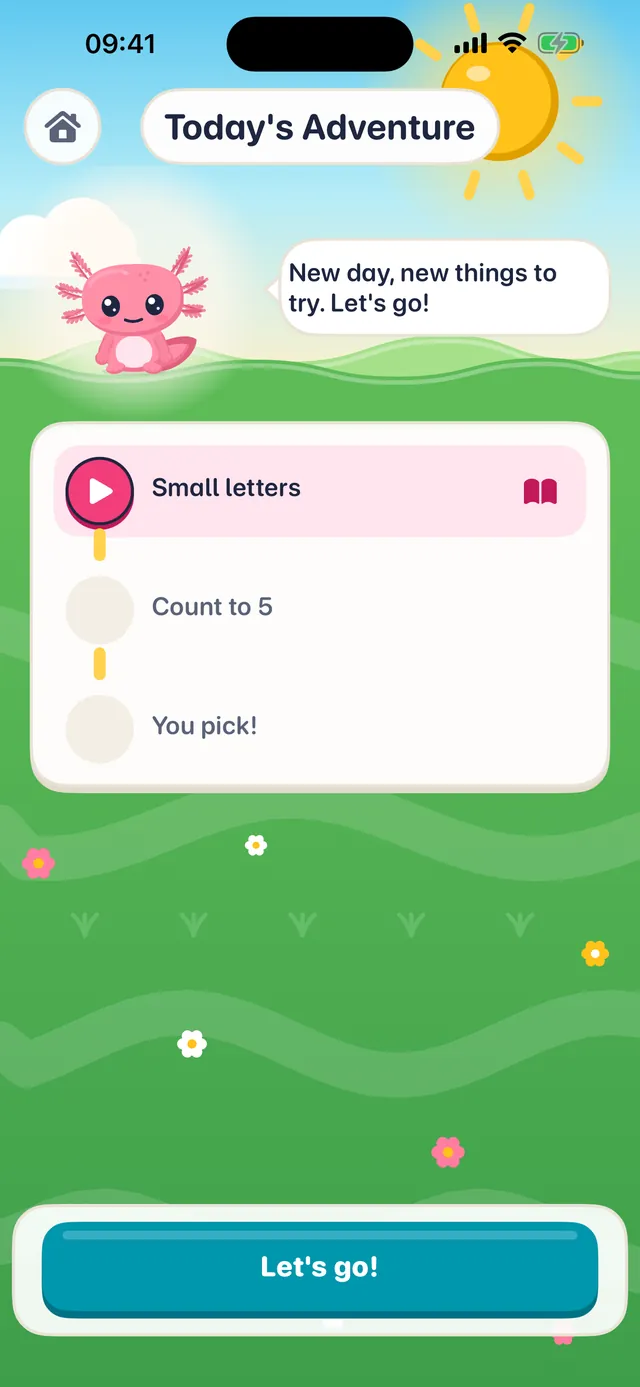
1See today's stops
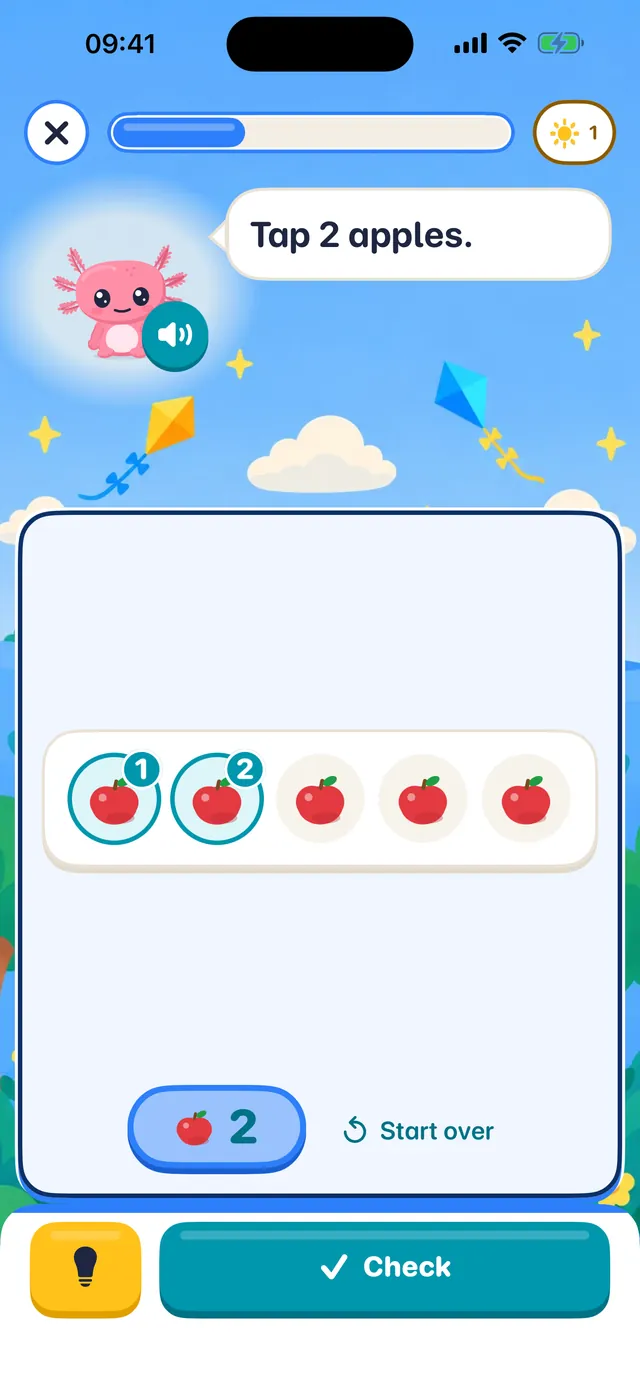
2Play a short lesson
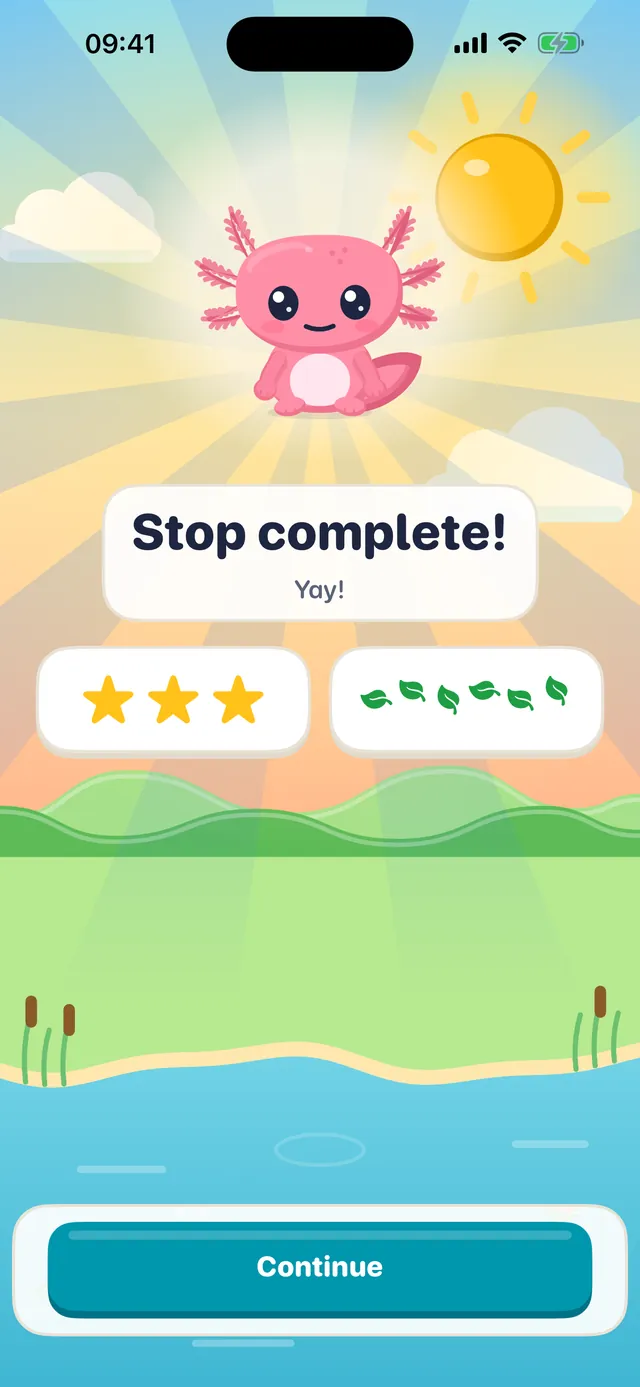
3A clear end
Reading and math, Pre-K to 3rd grade
Real school skills, step by step
Counting and number sense, stories read page by page, letters and sounds. Skills carry standards codes that line up with school in the United States and Canada: Common Core, plus Texas TEKS in Texas and Florida B.E.S.T. in Florida.
- Math, Pre-K to 3rd grade
- Phonics and reading
- Spelling, 1st to 3rd grade
- Money and time
- Handwriting
Type this week's spelling list and your child practices it in the Adventure. Trace letters, numbers and your child's name with a finger or Apple Pencil, in print, slanted print or cursive.
Gentle, never loud
Every right answer gets a Yay
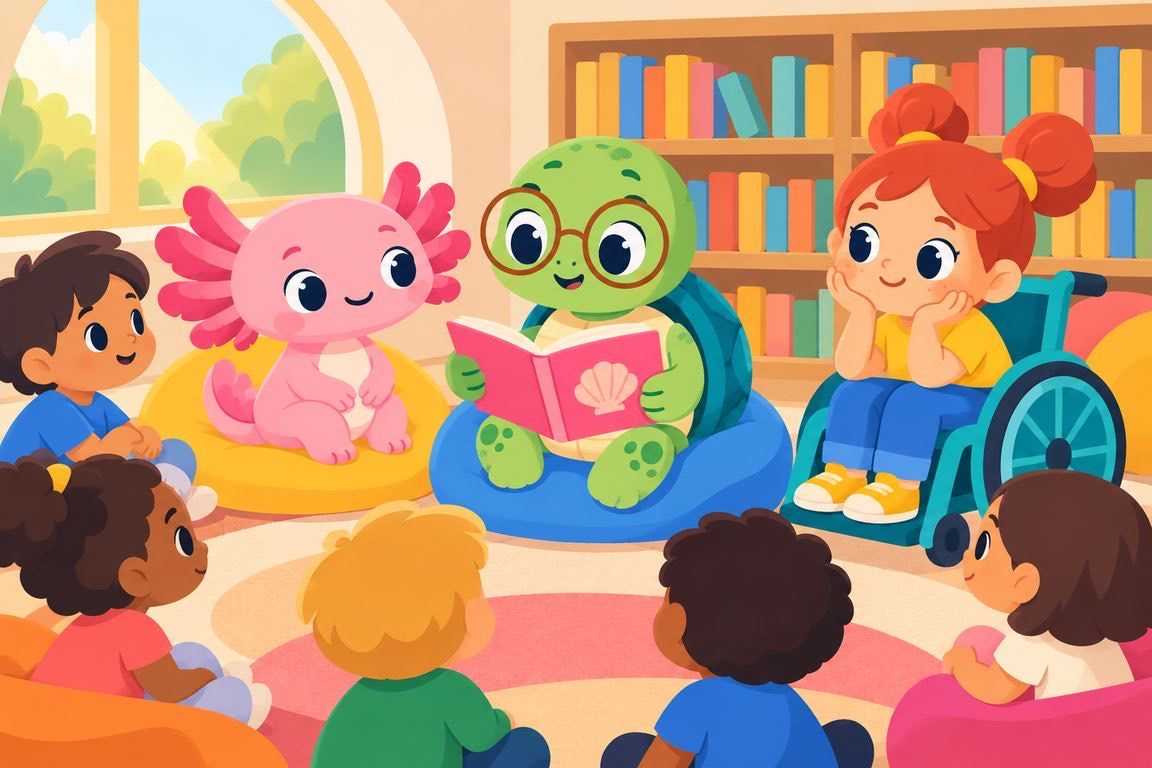
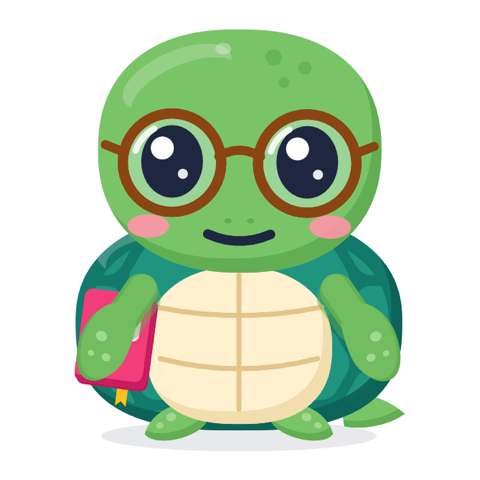
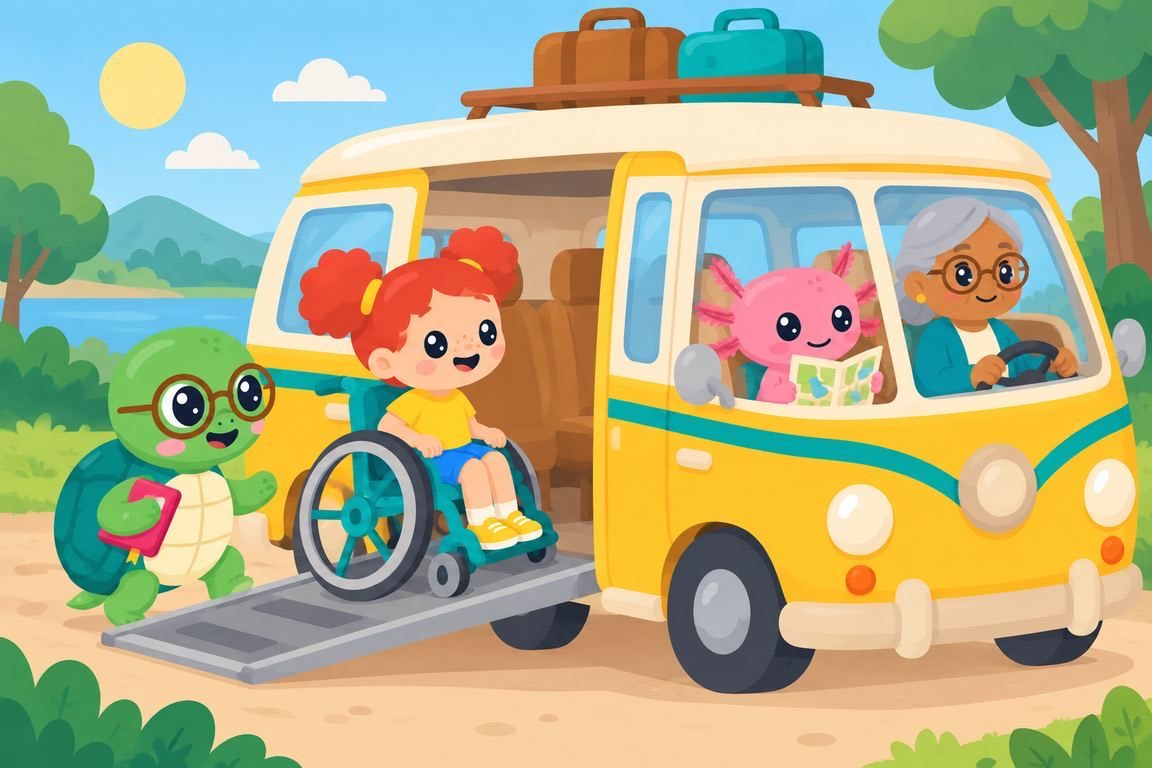
Yaybo the axolotl cheers every right answer and helps gently after a miss. Tad the turtle brings stories and silly skits.
- No buzzers
- No lost hearts
- No leaderboards

A forgiving Sunny Streak
Rest days you choose. The stars, friends, clothes and postcards your child has earned are never taken away.
Meet Yaybo and Tad

Progress you can see
An island that grows, and a road trip across the U.S.
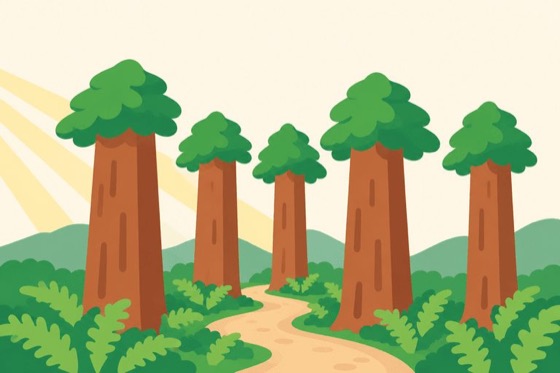
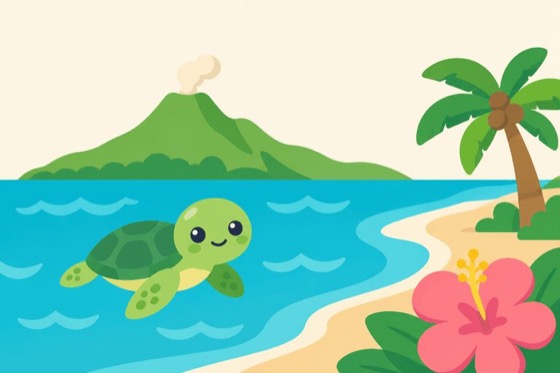
Mastered skills fill an island with new friends. A road trip across the U.S. collects a postcard and a fun fact from each state.
Friends for the island, postcards for the road
Works on iPhone and iPad.







For grown-ups
A weekly report in plain English
What is mastered, what is tricky, and one thing to try together. Optional Read-aloud lets your child read a word or a page out loud.
The weekly report
What is mastered, what is tricky, and a simple activity to do together.
How they teach it
Short explainers for how school teaches each skill.
High-fives
Send your child a sticker and a note.
Up to four children
On one subscription, with Family Sharing.
Everything for adults sits behind a parental gate, with an optional PIN.
Privacy
No ads. No account. No tracking.
Your child's name and answers stay on your devices, and in your own iCloud if Sync is on. Nothing else to buy.
Read the privacy policy
It stays on your devices
Your child's name and answers stay on your devices, and in your own iCloud if Sync is on.
A parental gate
Everything for adults sits behind it, with an optional PIN.
Read-aloud is optional
Off until a grown-up turns it on. Your device listens only after your child taps or holds the talk button, and never records, stores or sends the sound.
Apple handles payments
If a grown-up buys or restores a subscription, the purchase-analytics partner sees the purchase and your device's technical details, never anything about your child.
- Ages
- 4 to 9, Pre-K to 3rd grade
- Devices
- iPhone and iPad, iOS 26 or later
- Available in
- The United States and Canada
- Yaybo Plus
- A subscriptionOne plan covers up to four children and works with Family Sharing. Plans and the trial are shown in the app and on the App Store.
A daily plan your family can finish.
One short Adventure a day, about ten minutes by default, with a clear end.
Help and supportSupport
Help and support
Questions about Yaybo, a subscription or your family’s data? Write to us and we will answer.
The quickest way: a note from the app
In Yaybo, open the Parent Zone › Settings › Help and tap “Send a note from the app” (behind the grown-up gate). Type your message and send it: no email needed. It comes straight to us with the app version, iOS version and device model, so you don’t have to look them up. Please leave your child’s name and answers out of it.
Or write to us
Email hello@seizeapps.com. To help us find the problem, tell us your iPhone or iPad model, your iOS version, the Yaybo version (Parent Zone › Settings) and what happened. Please leave your child’s name, age and answers out of the email.
In the app, “Email the Yaybo team” and “Something not working?” in the same Help section open Mail for you.
Manage or cancel your subscription
Manage or cancel anytime in Settings › [your name] › Subscriptions on your device. Cancelling stops the next renewal; you keep access until the end of the period you already paid for. Deleting the app does not cancel it.
Restore a purchase
Tap “Restore” on the plans screen in the Parent Zone to bring back a subscription you already own, on a new device or after reinstalling.
Read the details
How Yaybo handles your family’s information, the terms of the Yaybo Plus subscription, and the full support page.